Your coaching on autopilot
Set up rules that automatically send messages to your clients based on their activity. Missed workouts and overdue check-ins get a follow-up, even when you're heads-down coaching.
Automations
Three ways CoachOS follows up for you
Missed workout streak
Client missed X workouts in a row.
Catch disengagement early. When a client's workout streak breaks, send an encouraging message automatically.
Check-in / form overdue
Client hasn't submitted a form in X days.
Target a specific form or any form. When check-ins go overdue, a gentle nudge goes out before you have to follow up manually.
Client inactive
Client hasn't logged in for X days.
Sometimes clients just drift away. An automated 'we miss you' message can re-engage them before it's too late.

Safeguards
Smart, not spammy
Automations should feel personal, not robotic. CoachOS includes built-in safeguards so your automated messages land well.
Cooldown periods
Minimum time between automated messages to the same client.
Weekly caps
Maximum automated messages per client per week.
Quiet hours
Messages only send during appropriate hours.
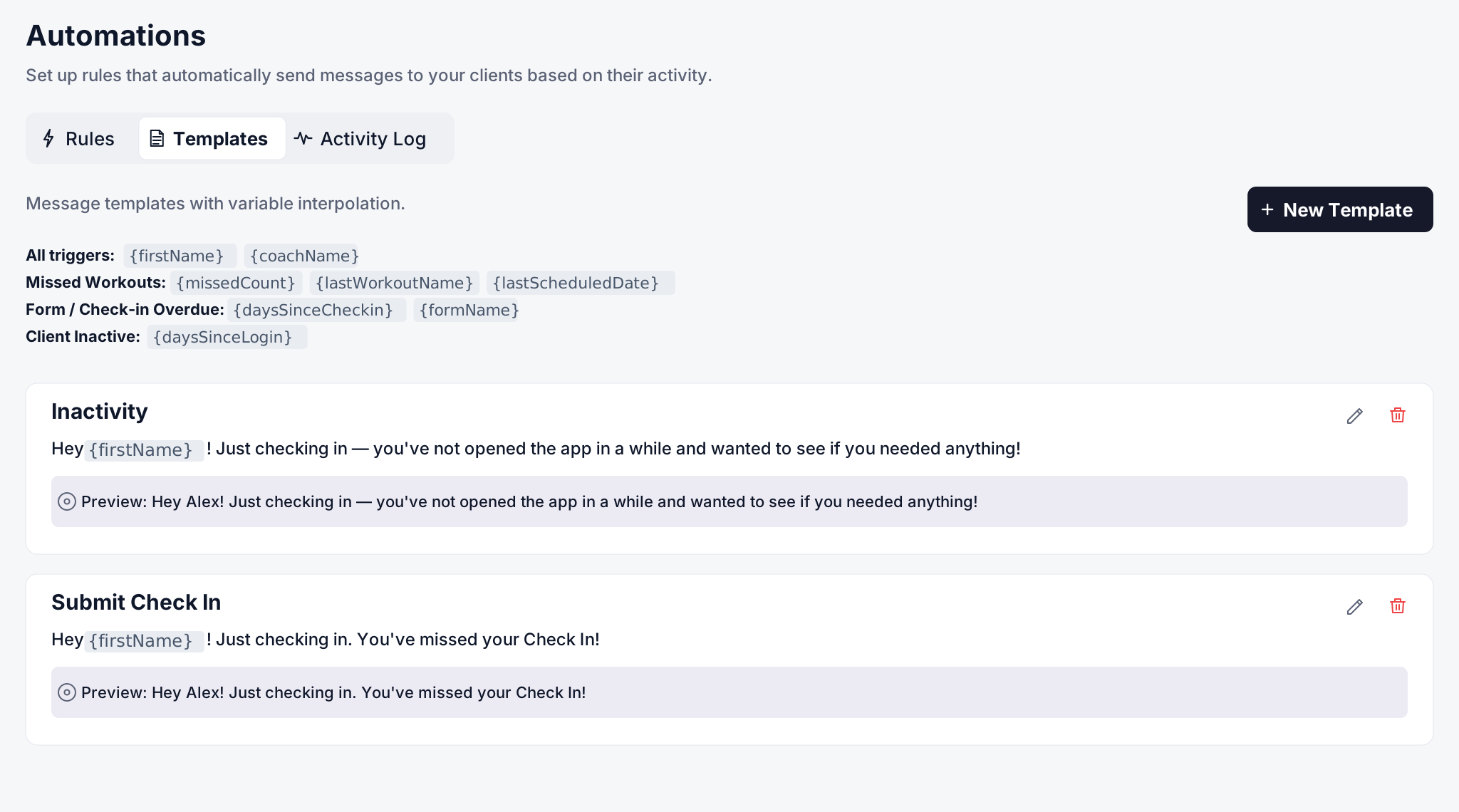
Templates
Message templates that personalize themselves
Write a message once, use it forever. CoachOS automatically fills in each client's name, missed workouts, days since check-in, and more. Every automated message still feels personal.

Activity log
Full visibility into every automated message
See every automated message sent, when it went out, who received it, and which rule triggered it. No guess what went out.