
Connecting your Oura ring lets CoachOS show your recovery — sleep, HRV, readiness, and resting heart rate — and gives your coach the same picture so they can adjust your training when you're run down.
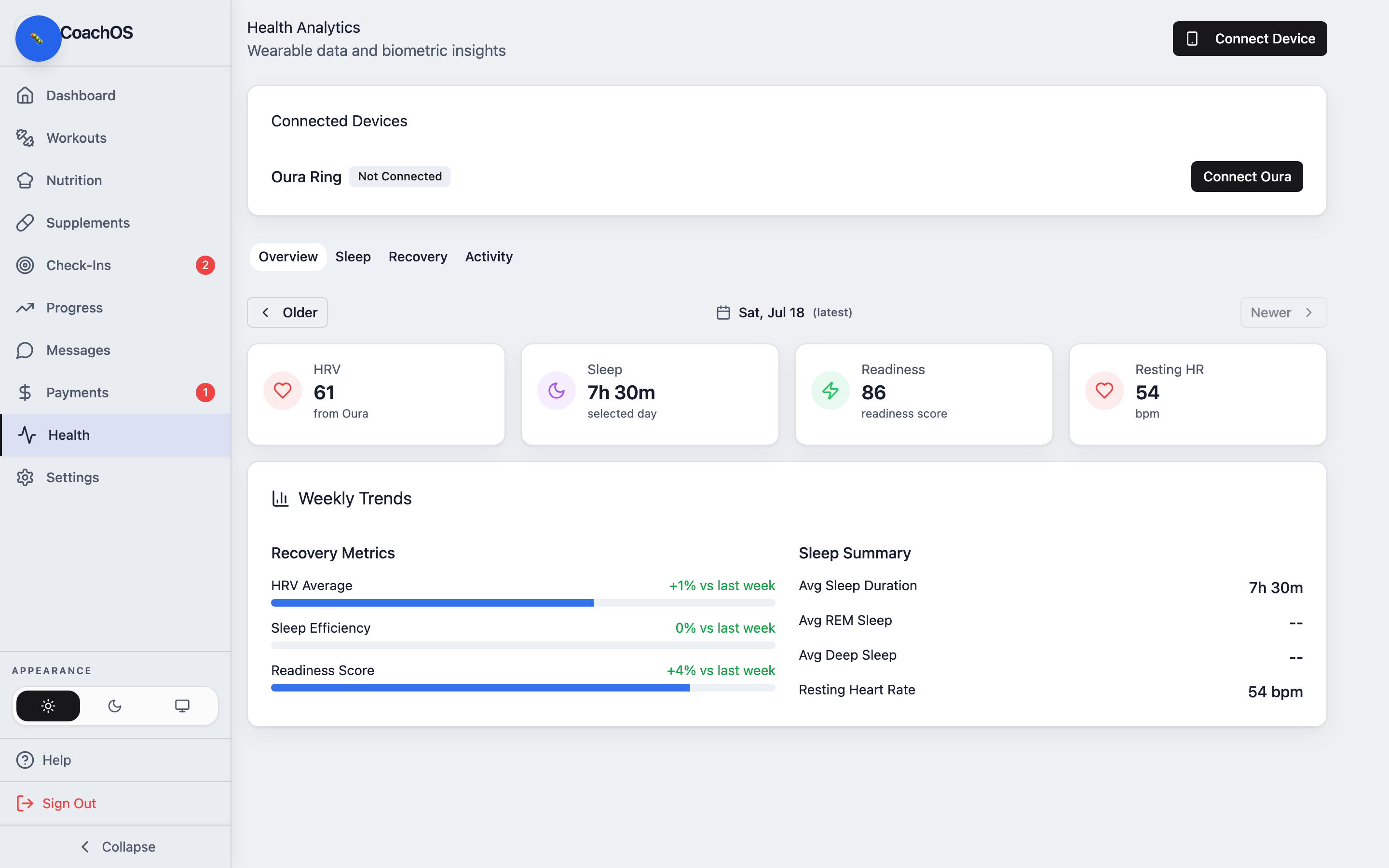
1. Open Health
Tap Health in the sidebar (a Connect Oura Ring prompt also appears on your dashboard).
2. Connect
Tap Connect Oura Ring (or Connect Device) and sign in to your Oura account, then approve access. CoachOS only reads your daily health metrics.
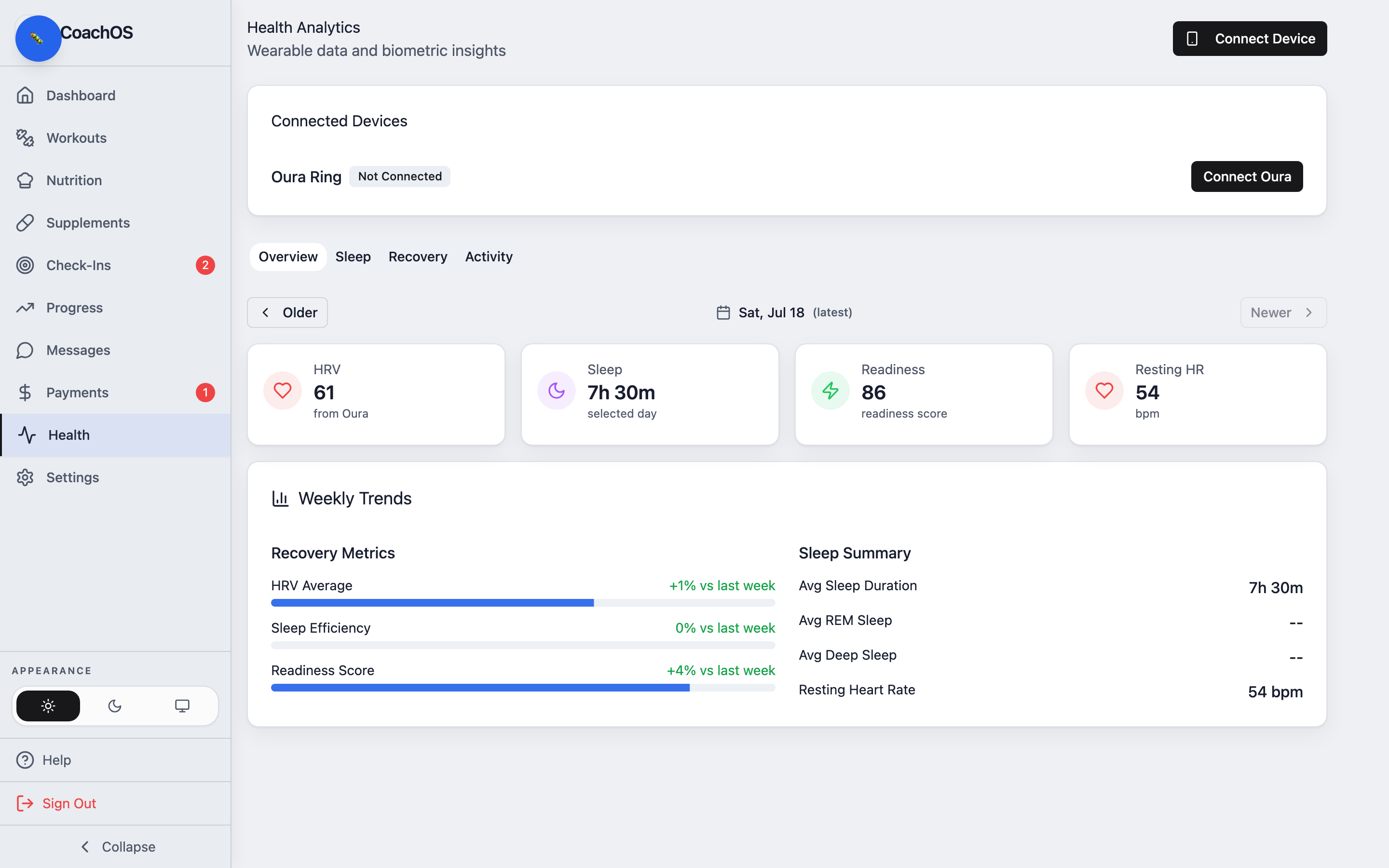
3. Wait for the first sync
Your first sync runs in the background and can take a minute or two. After that, your data updates automatically every hour — no need to open anything. Oura is the wearable CoachOS supports today.