
Logging your sets tells your coach what you actually lifted and builds your progress history. There's no save button — CoachOS saves each number as you type it.
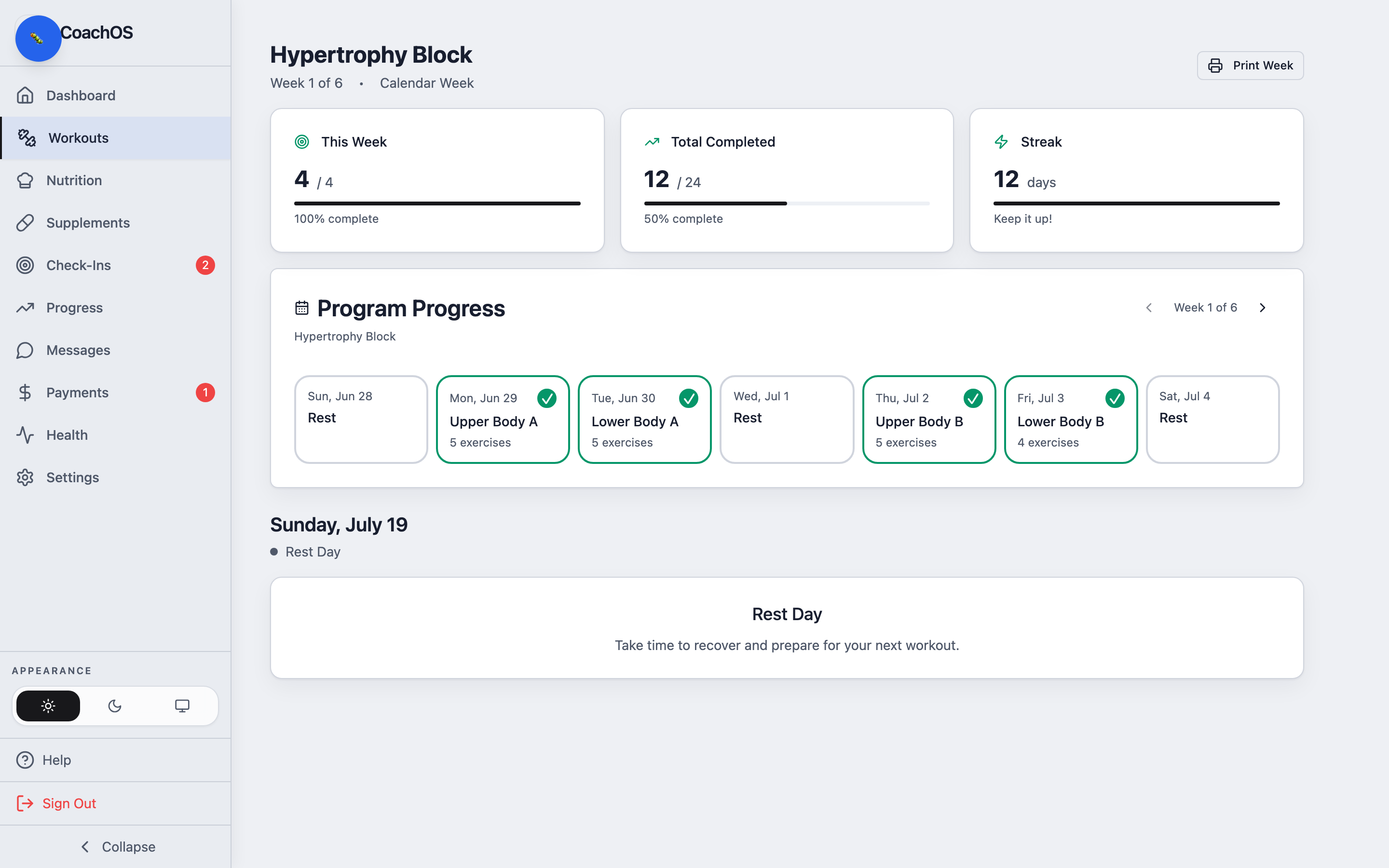
1. Open your workout
Tap Workouts and open the day you're training. Each exercise shows the prescribed sets, reps, and rest.
2. Log your sets
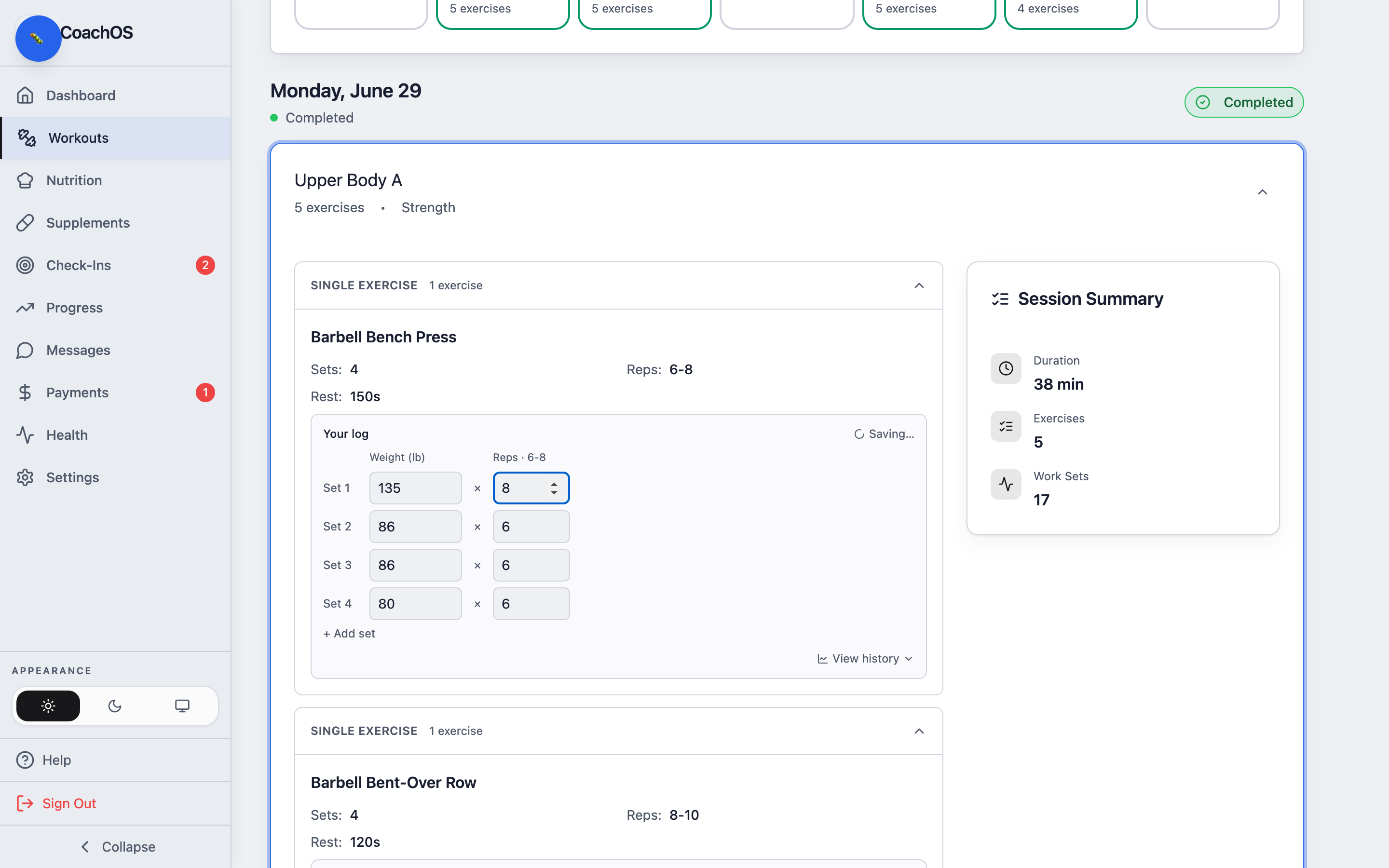
Under Your log, enter the Weight (lb) and Reps for each set. Need more sets than prescribed? Tap + Add set. The status shows Saving… then saves on its own — tap View history to see your past numbers on that lift.
3. Finish up
When you've done the session, tap Mark Complete — the day flips to Completed and your coach can see it. You can always come back and edit your numbers.