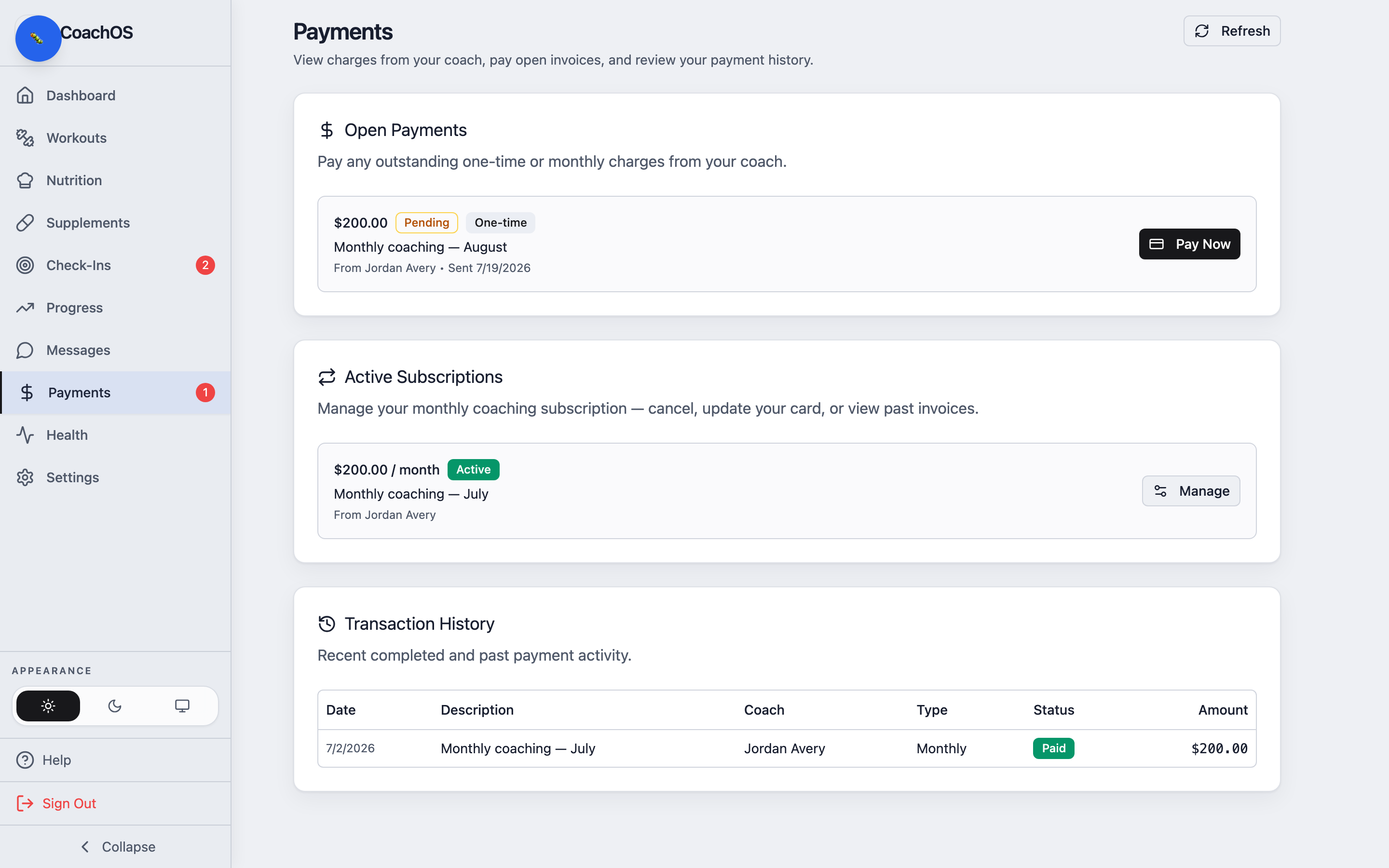
If your coach bills through CoachOS, the Payments tab is where you pay and keep track of what you've paid. A badge shows when a charge is waiting.
1. Open Payments
Tap Payments. Open Payments lists any outstanding one-time or monthly charges from your coach.
2. Pay
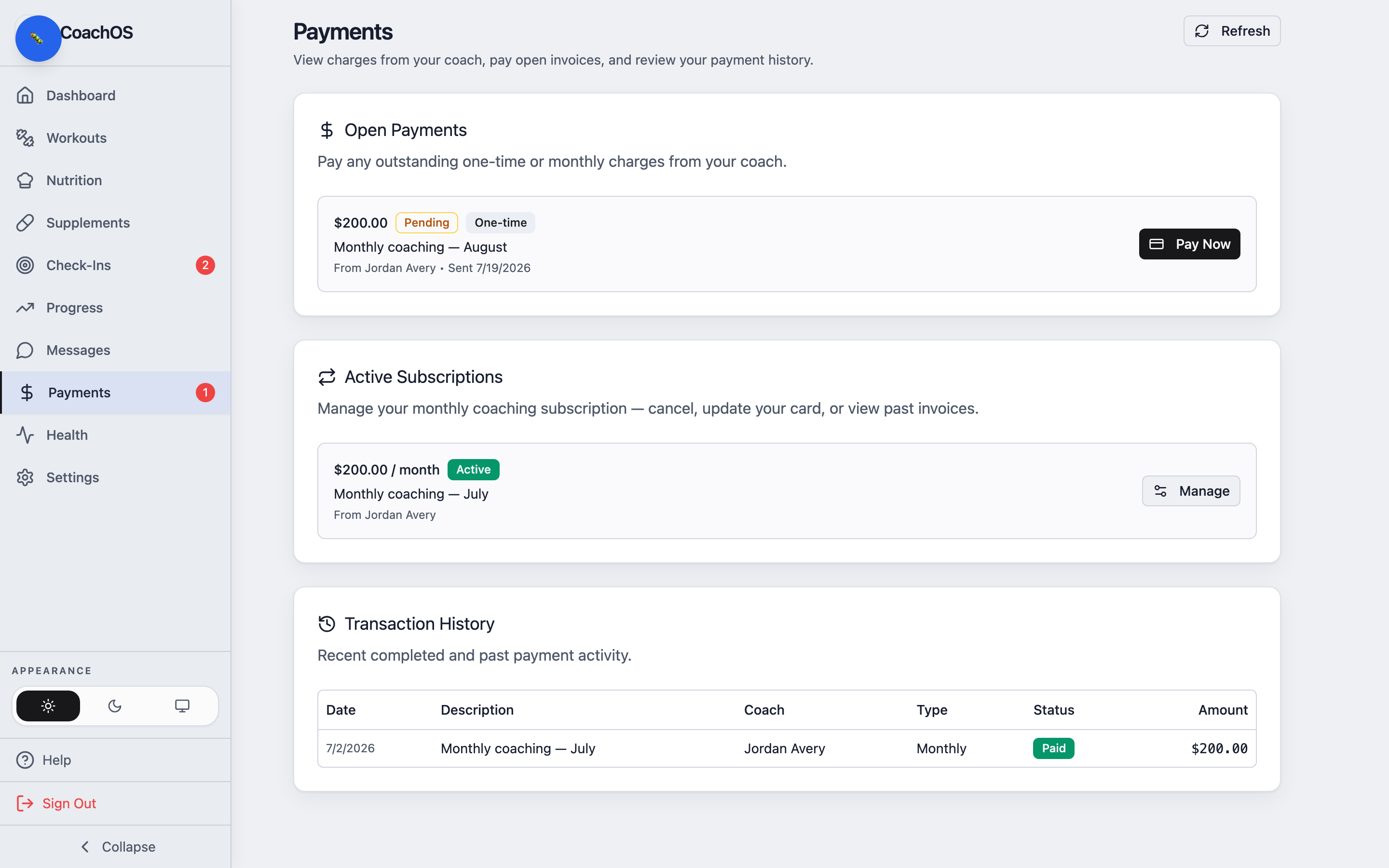
Tap Pay Now on a charge to pay securely through Stripe. Monthly plans show under Active Subscriptions, where you can Manage or cancel.
3. Check your history
Transaction History lists every completed payment with its date, amount, and status, so you always have a record.