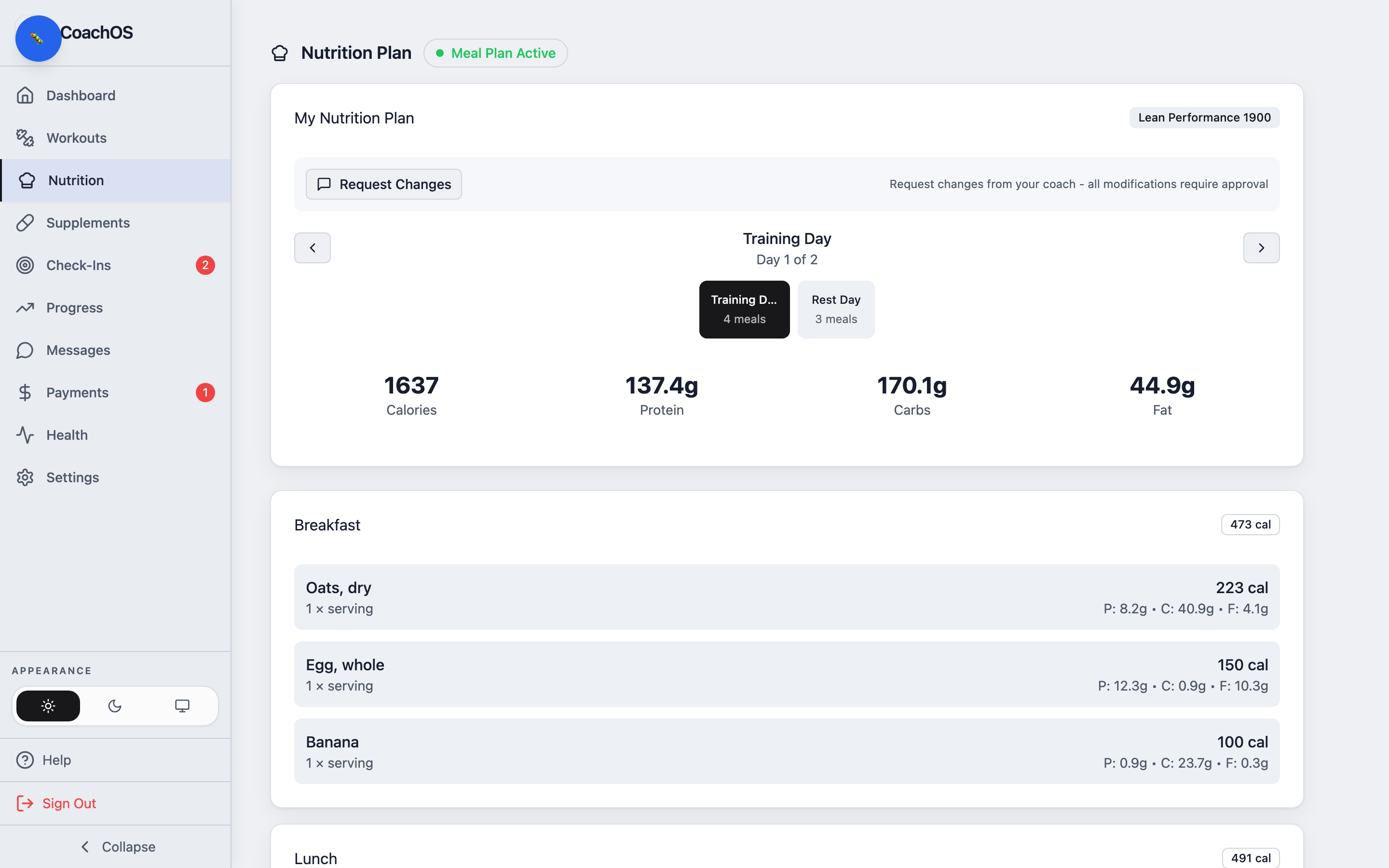
Your Nutrition tab holds the plan your coach assigned — meals, foods, and your daily targets. It's read-only, but you can ask for changes any time.
1. Open Nutrition
Tap Nutrition to see your active plan. Different day types (like training vs rest days) rotate automatically, and you can open the shopping list for what to buy.
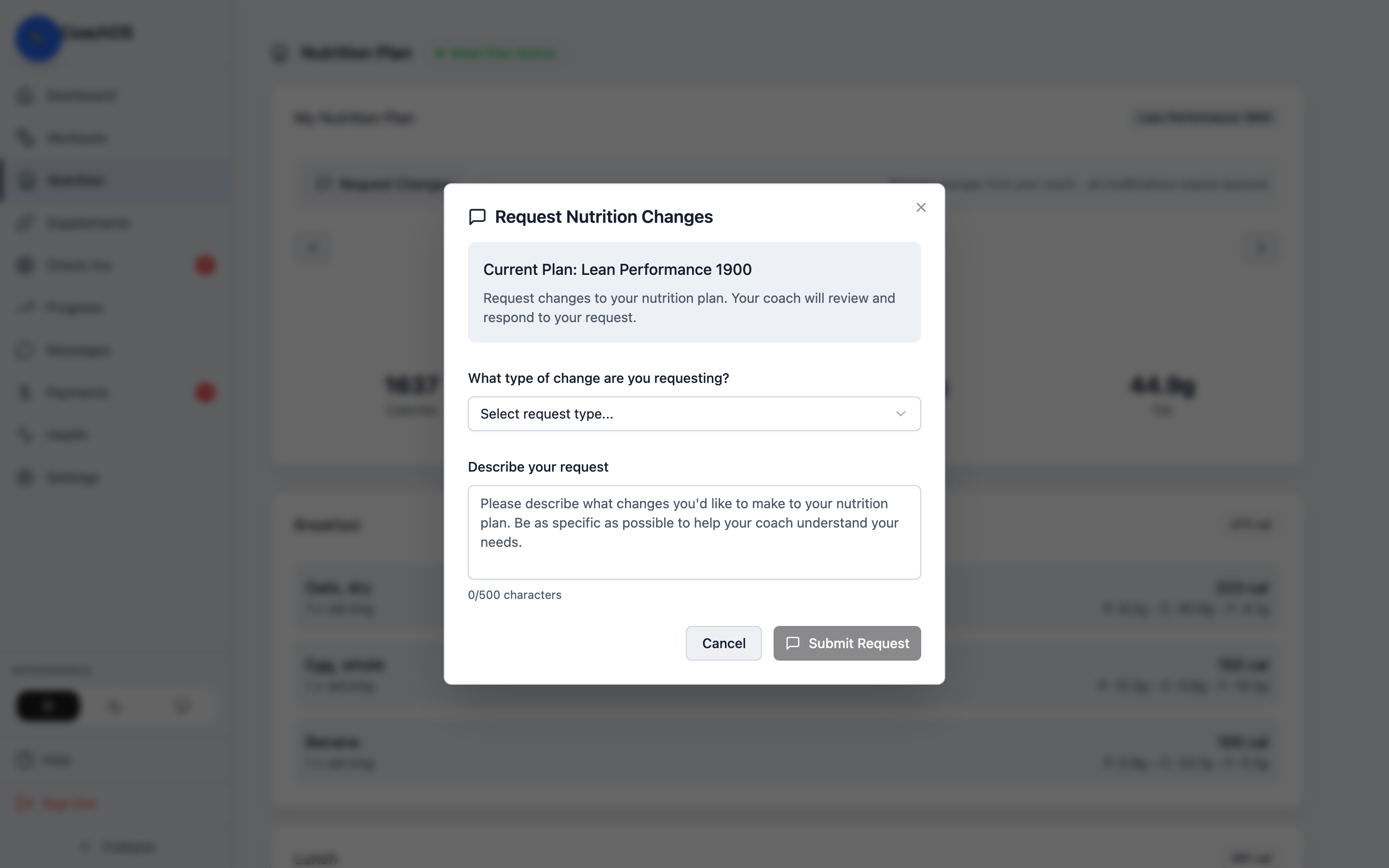
2. Request changes
If a meal isn't working for you, use Request Changes to send your coach a note. They'll adjust the plan and you'll see the update here.