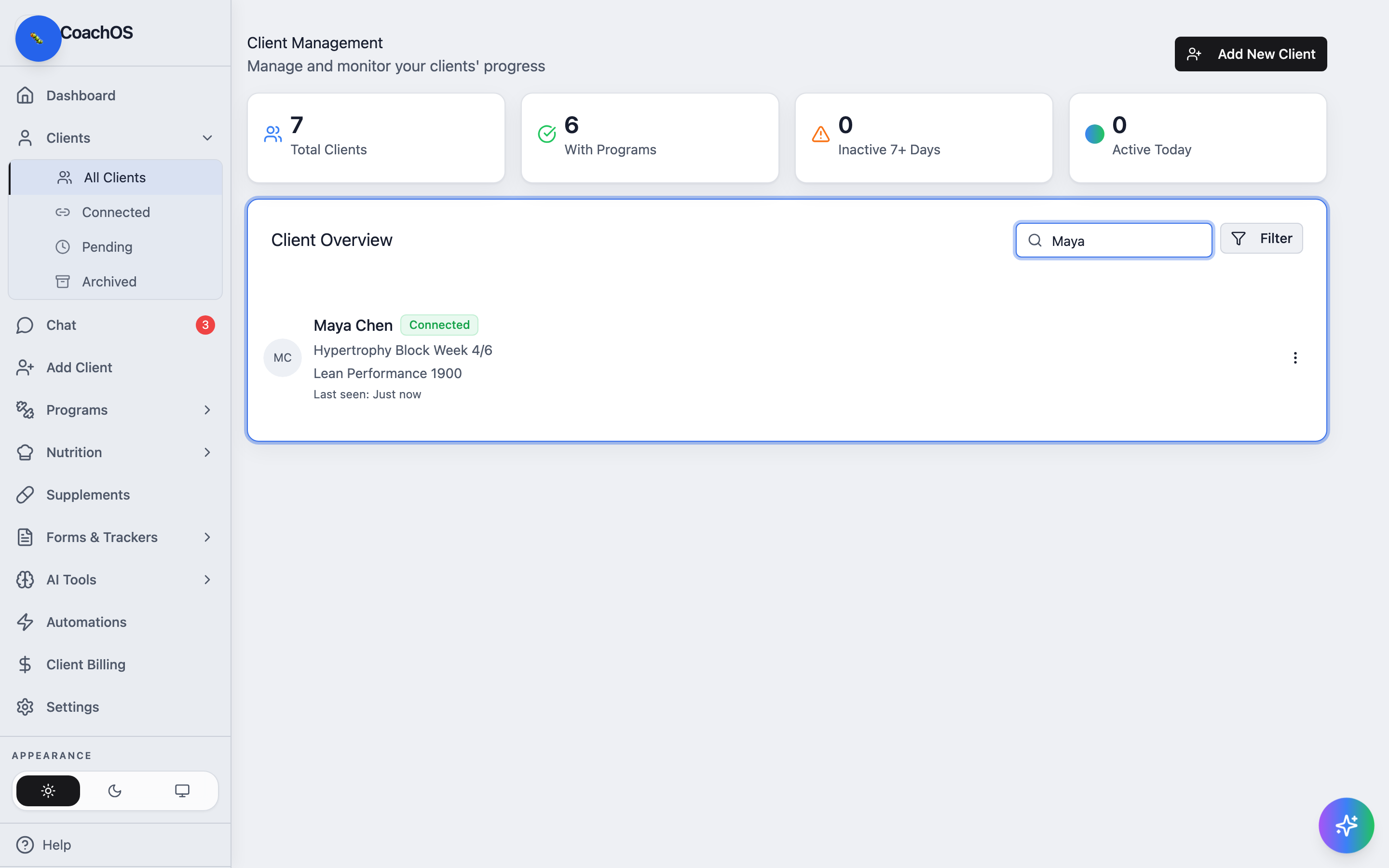
The Clients tab is your roster: every client, their current program and nutrition plan, and when they were last active.
1. See everyone at a glance
In the sidebar, click Clients, then All Clients. The stat cards at the top count Total Clients, With Programs, Inactive 7+ Days, and Active Today. Each row in Client Overview shows the client's status, program week, nutrition plan, and last-seen time — click a client to open their profile.
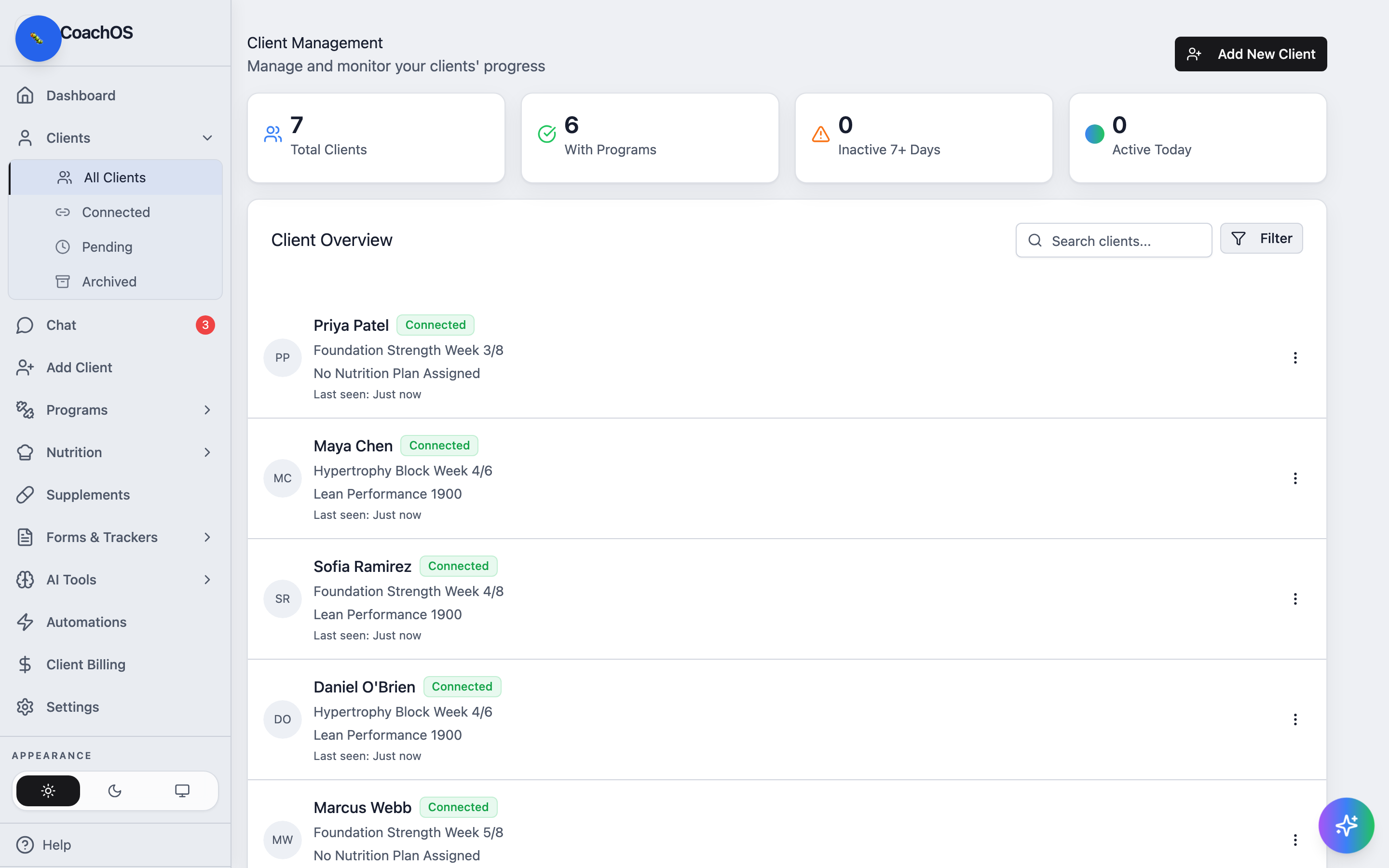
2. Track pending invites
Click Pending to see invited clients who haven't created their account yet — they show an Awaiting Signup badge. Former clients live under Archived; use the ⋮ menu on a client row to archive them.
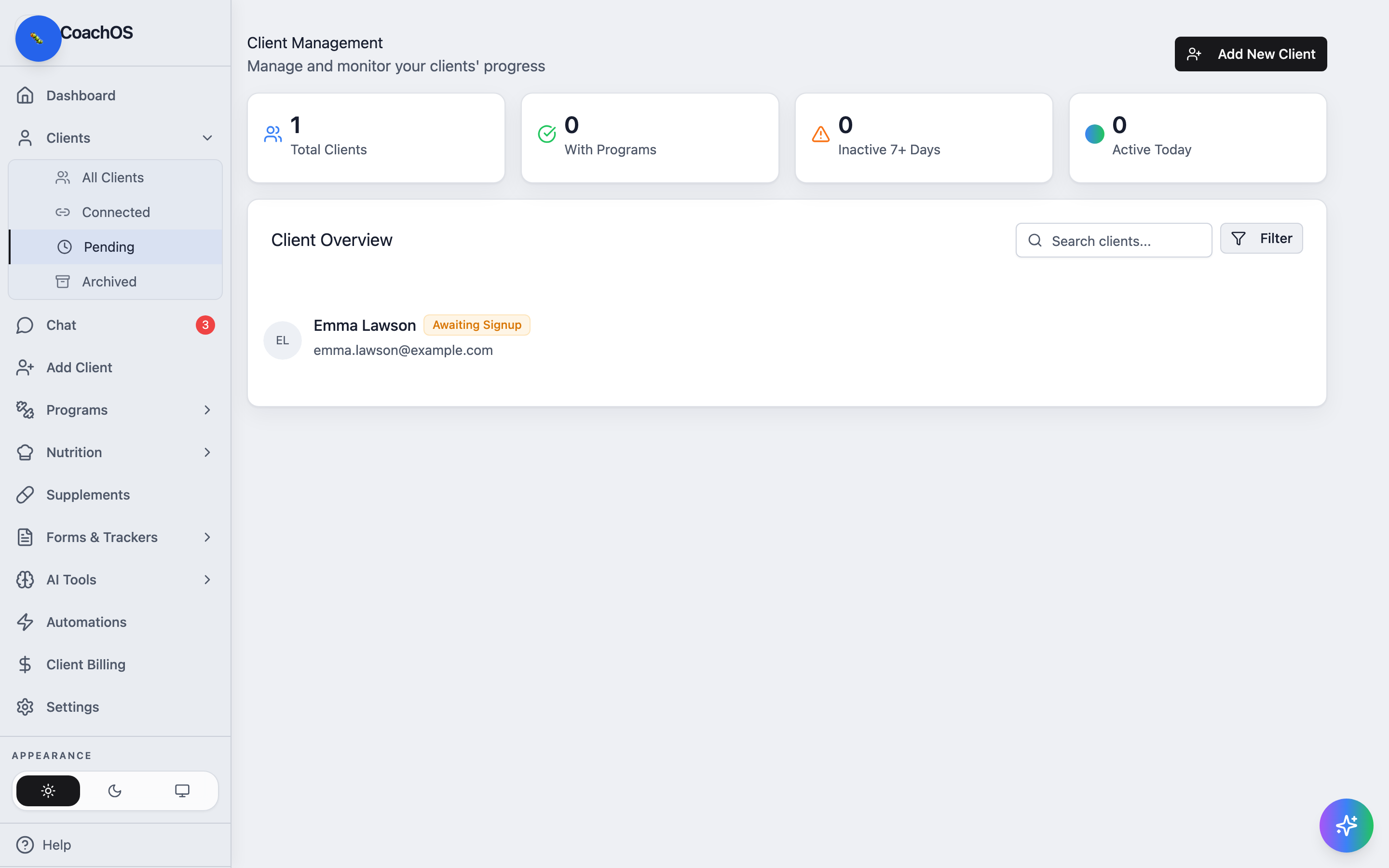
3. Find a client fast
Type in Search clients... to filter the roster by name, or use Filter for status-based views.