
A broadcast sends the same message to every active client — useful for schedule changes, gym closures, or a weekly kick-off note.
1. Find the Broadcast panel
On the Dashboard, scroll to the BROADCAST section. The chip next to the heading shows how many clients will receive the message.
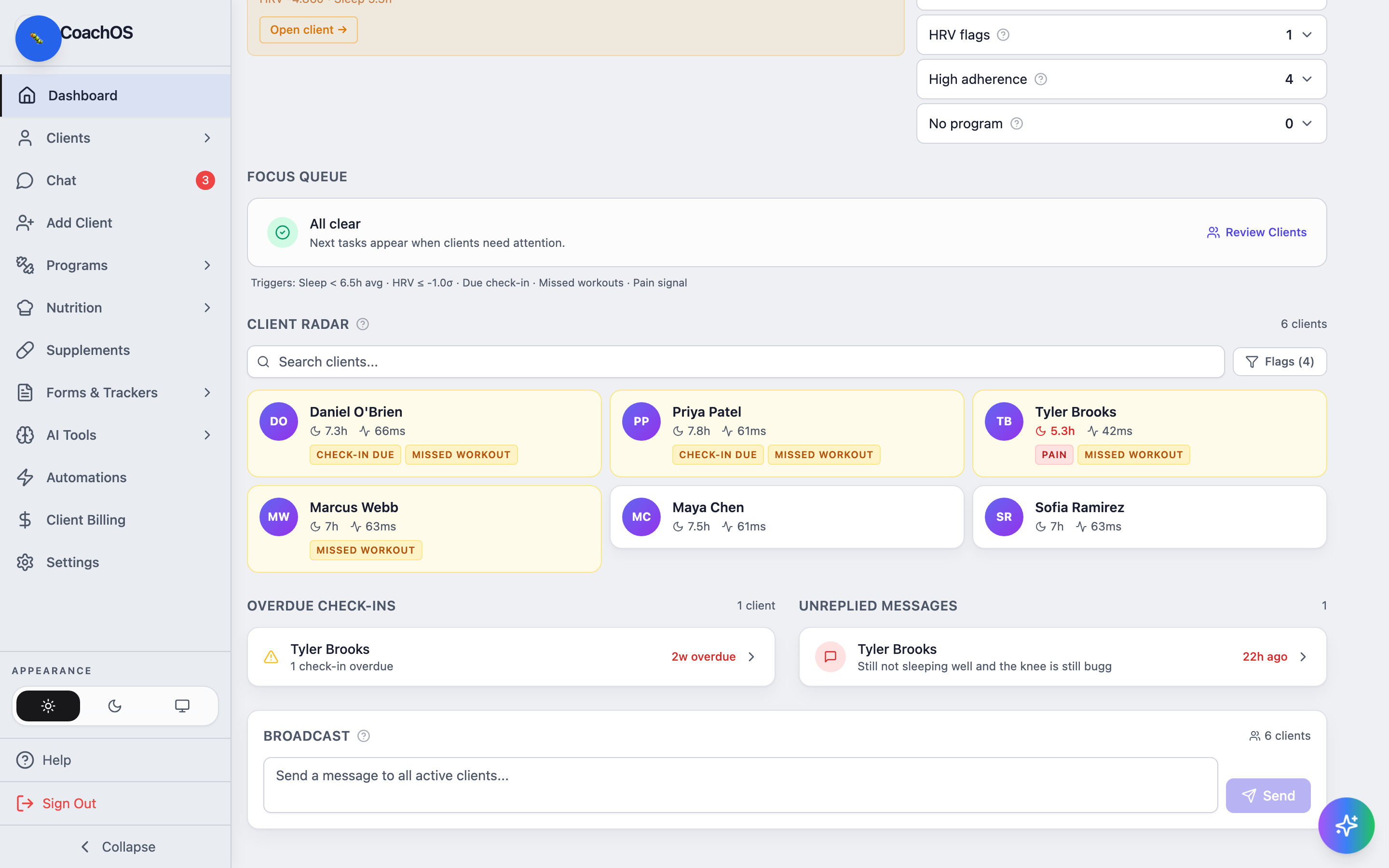
2. Write and send
Type your announcement (up to 500 characters) and click Send. Every active client sees it in their app — on their dashboard and in chat.
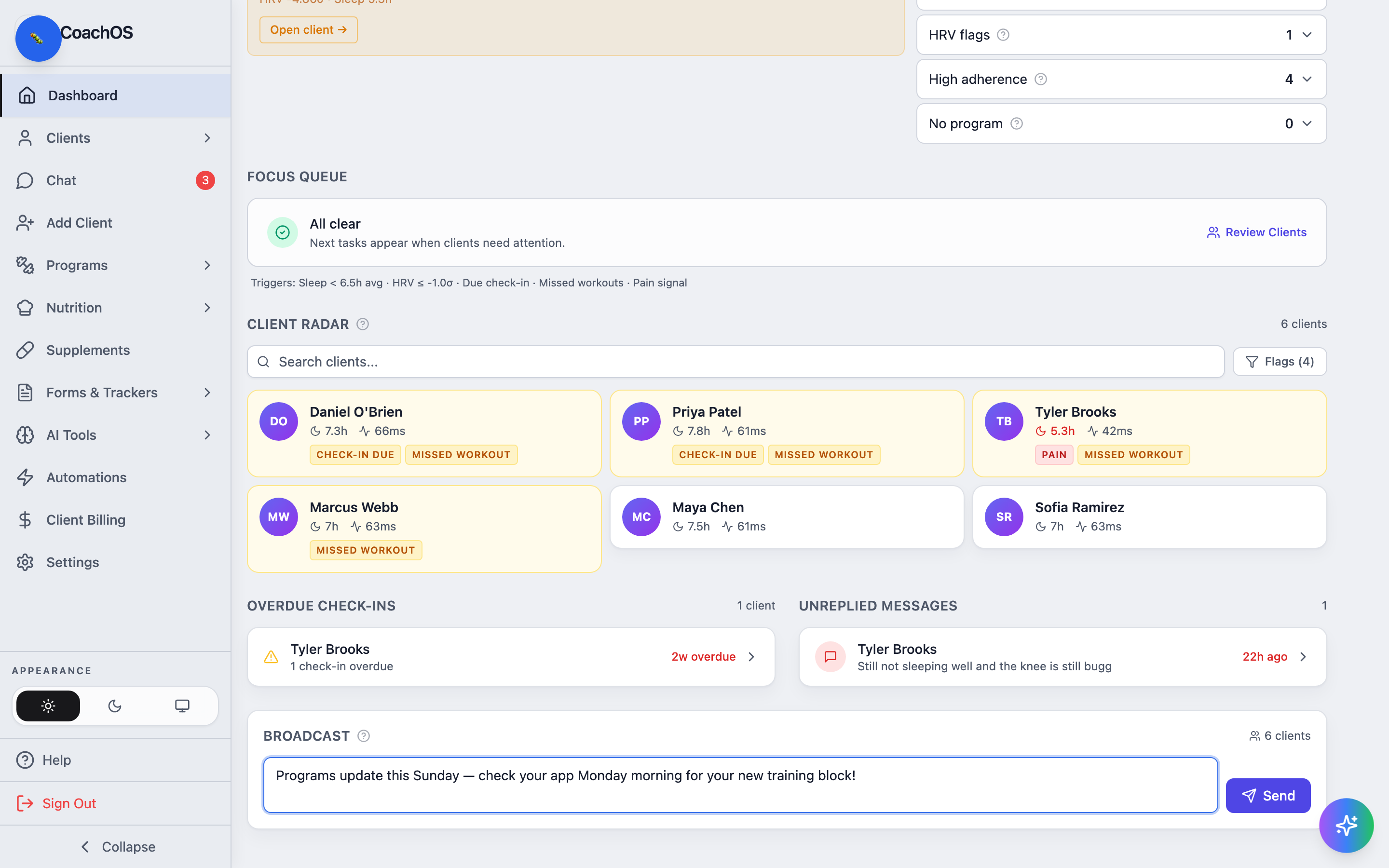
Broadcasts are one-way announcements; replies come back through each client's normal chat thread.