
Your coach account is your workspace for clients, programs, nutrition, and automations. Setup takes about two minutes.
1. Create your account
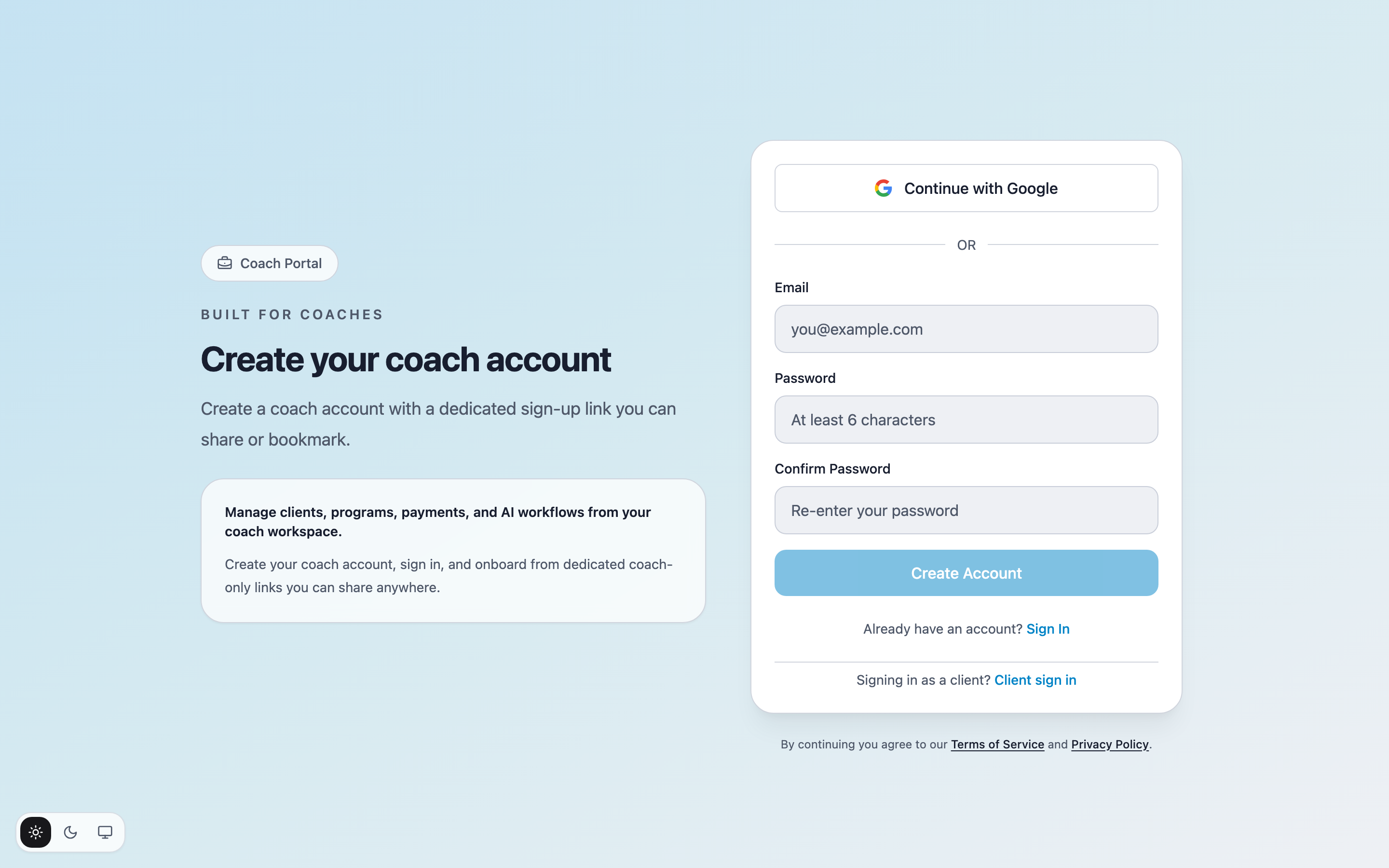
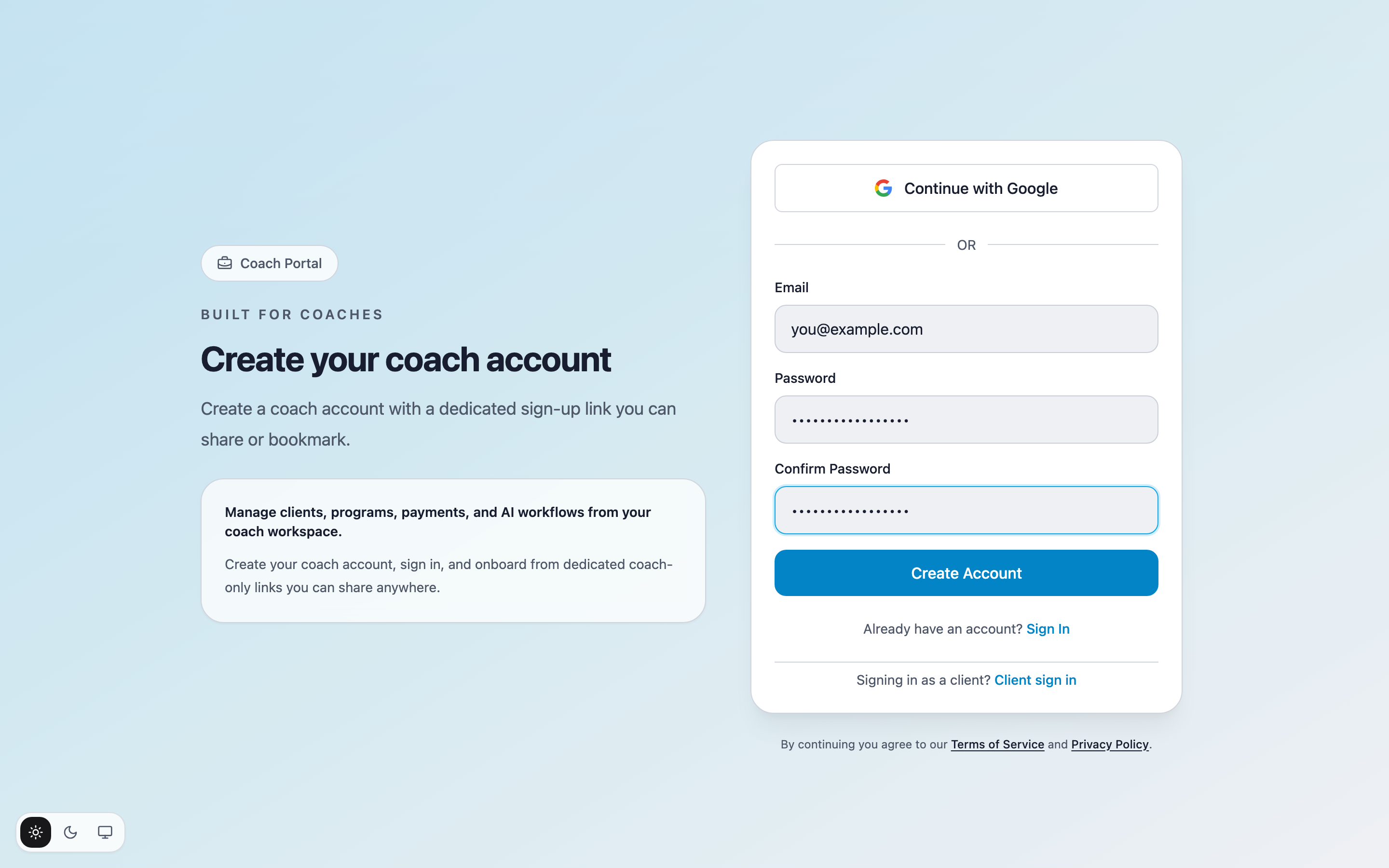
Go to the coach sign-up page at app.os-coach.com/coach/sign-up. Enter your Email, choose a Password, repeat it under Confirm Password, and click Create Account. You can use Continue with Google instead if you prefer.
2. Confirm and sign in
CoachOS sends a confirmation link to your email. Open it and you land back in the app, signed in. If you already have an account, use Sign In instead.
3. Complete the profile setup
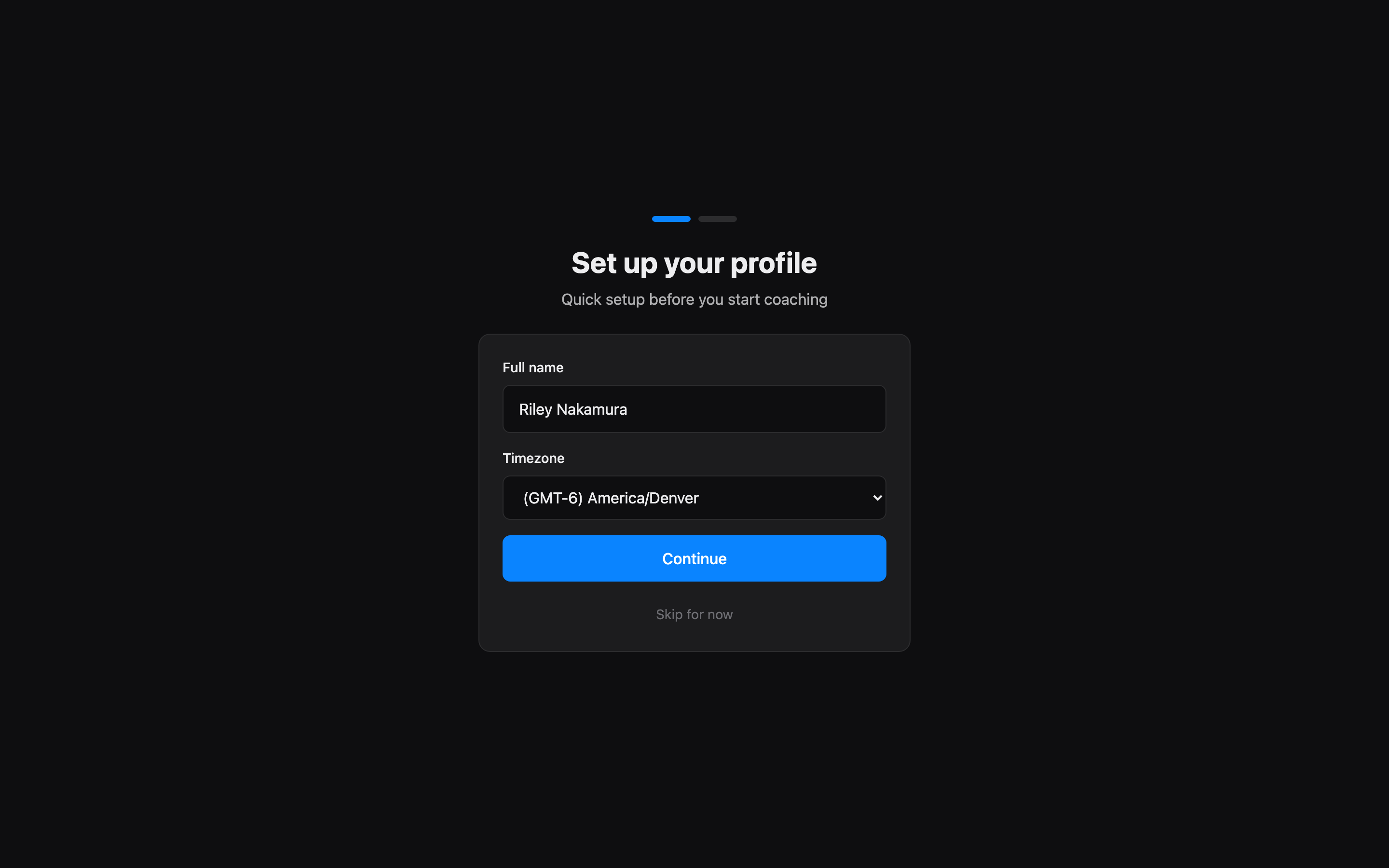
On first sign-in, CoachOS asks you to Set up your profile: enter your Full name, pick your Timezone, and click Continue. Your timezone drives scheduling for check-ins and automations, so set it before adding clients.
You land on your dashboard — empty for now. Adding your first client is the next step.