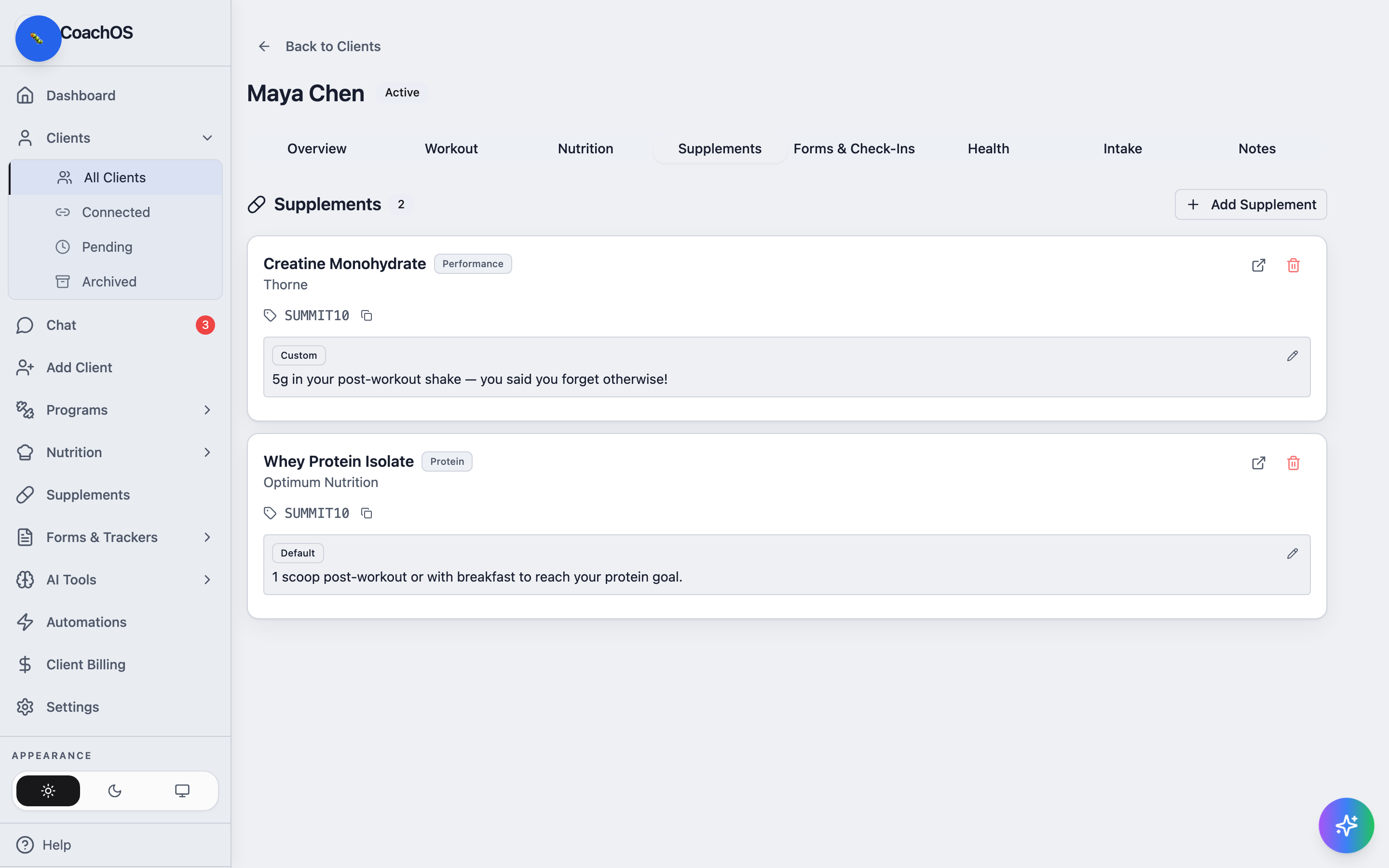
The supplements feature is a recommendation library: you define each product once — with usage notes and an optional affiliate link — then assign it to the clients it fits.
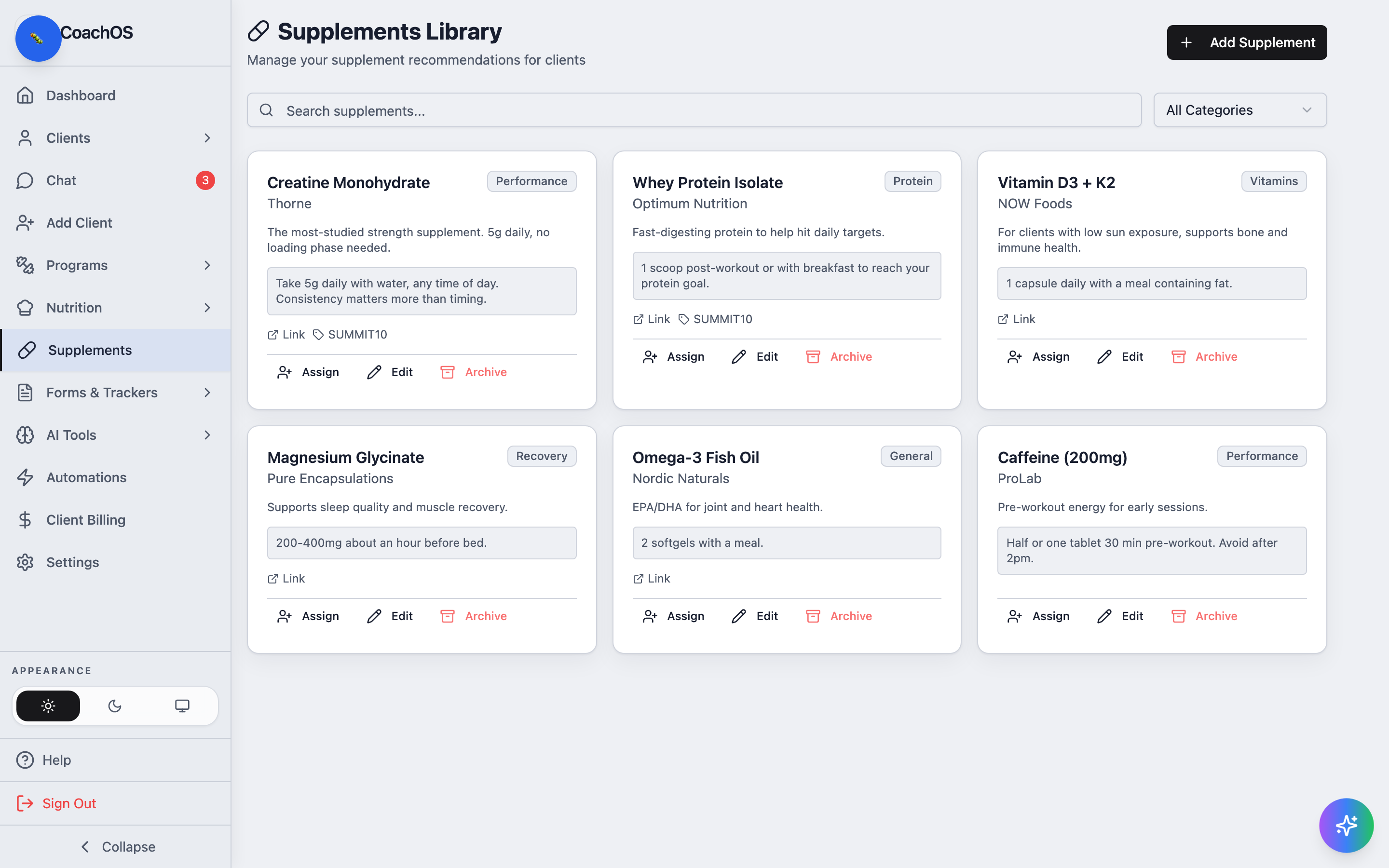
1. Open your library
Click Supplements in the sidebar. The Supplements Library shows your products as cards with Assign, Edit, and Archive actions, plus search and a category filter.
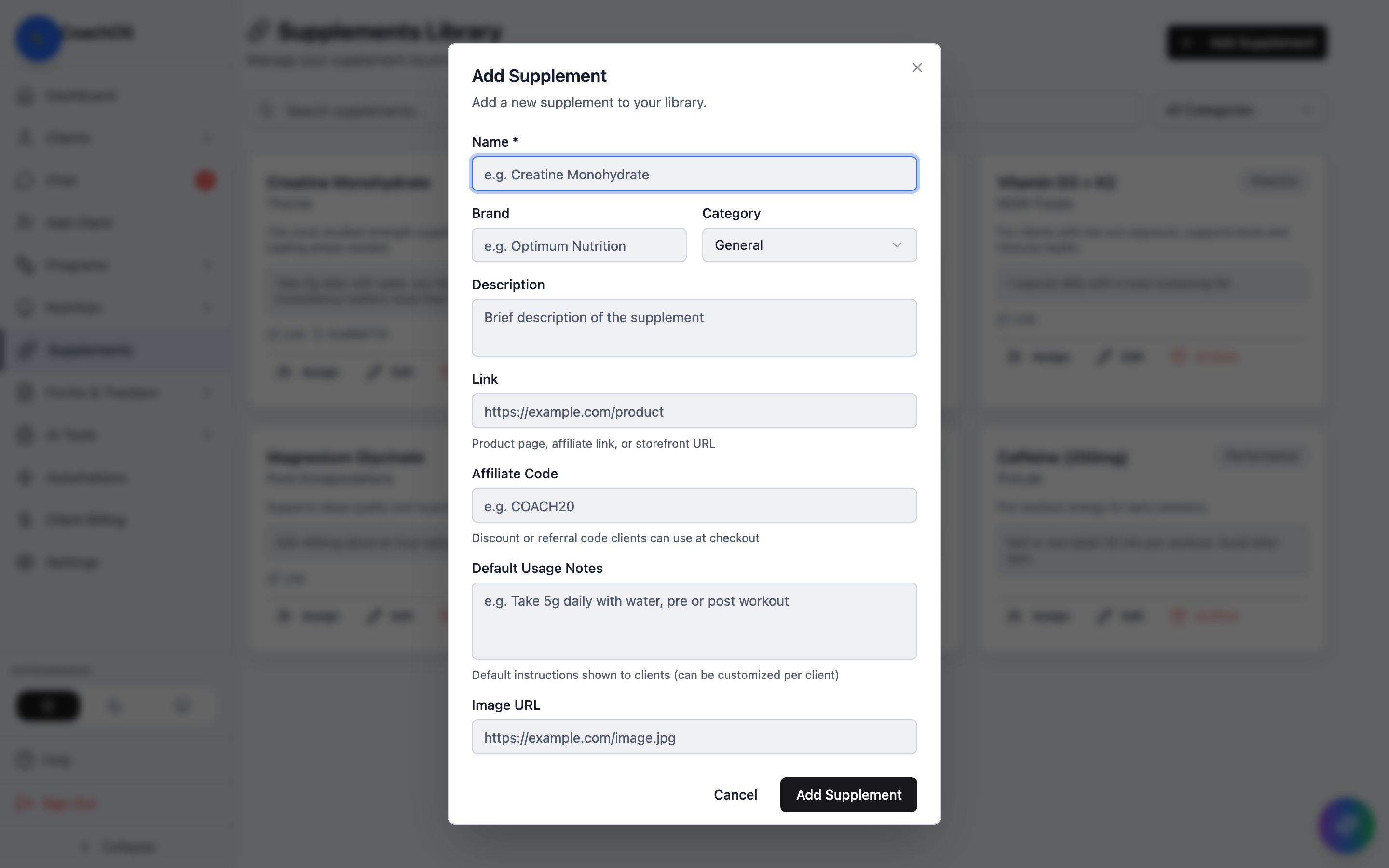
2. Add a supplement
Click Add Supplement. Fill in the name, brand, and category, then the parts your client actually reads: Default Usage Notes (dose and timing) and an optional Link and Affiliate Code.
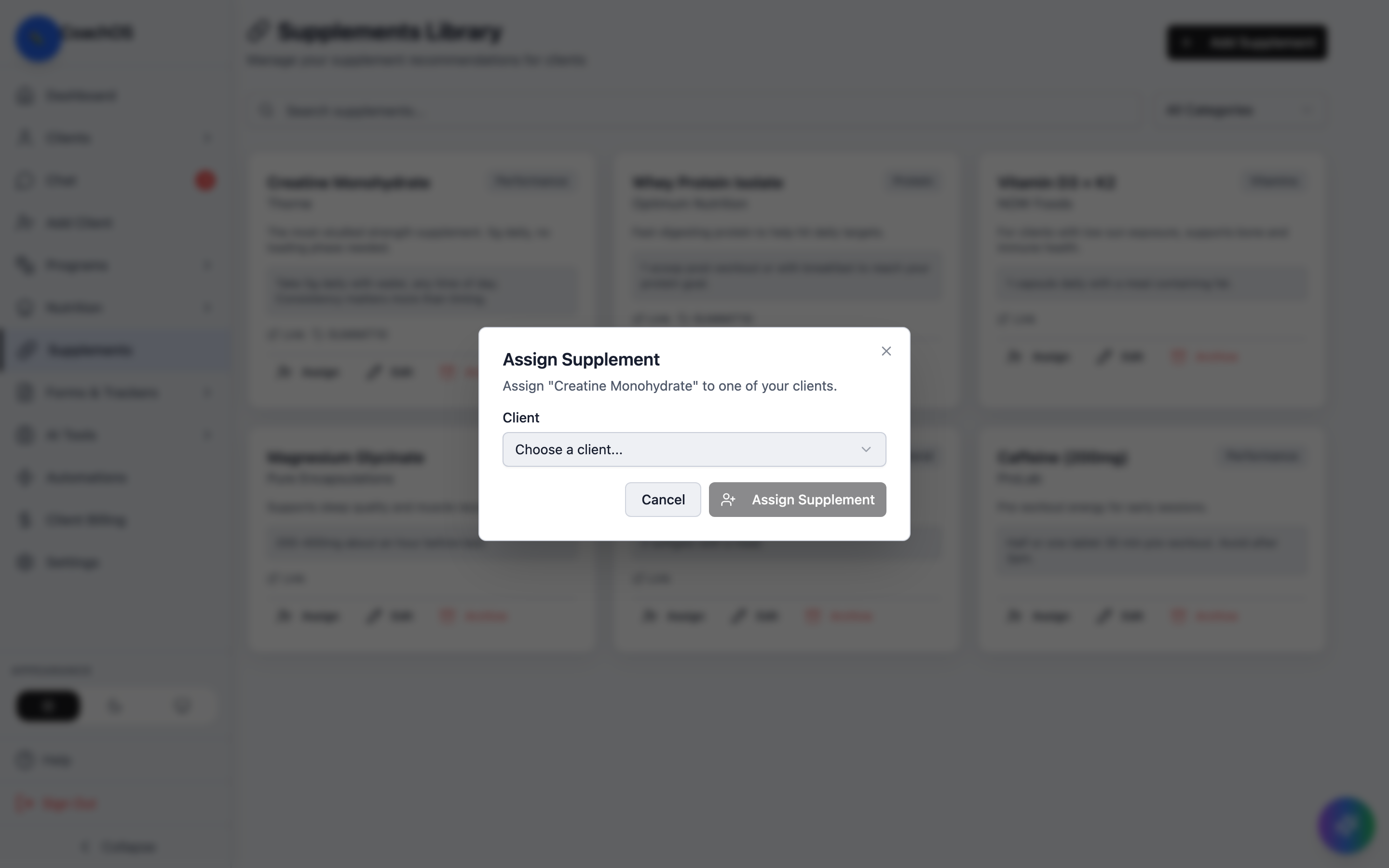
3. Assign it
Click Assign on a card, choose the client, and confirm with Assign Supplement.
4. Review per client
Each client's profile has a Supplements tab listing what they're on. Edit the notes there to override the default with client-specific instructions — the badge flips from Default to Custom so you can tell them apart. Clients see their assigned supplements (and any changes) in their own app.