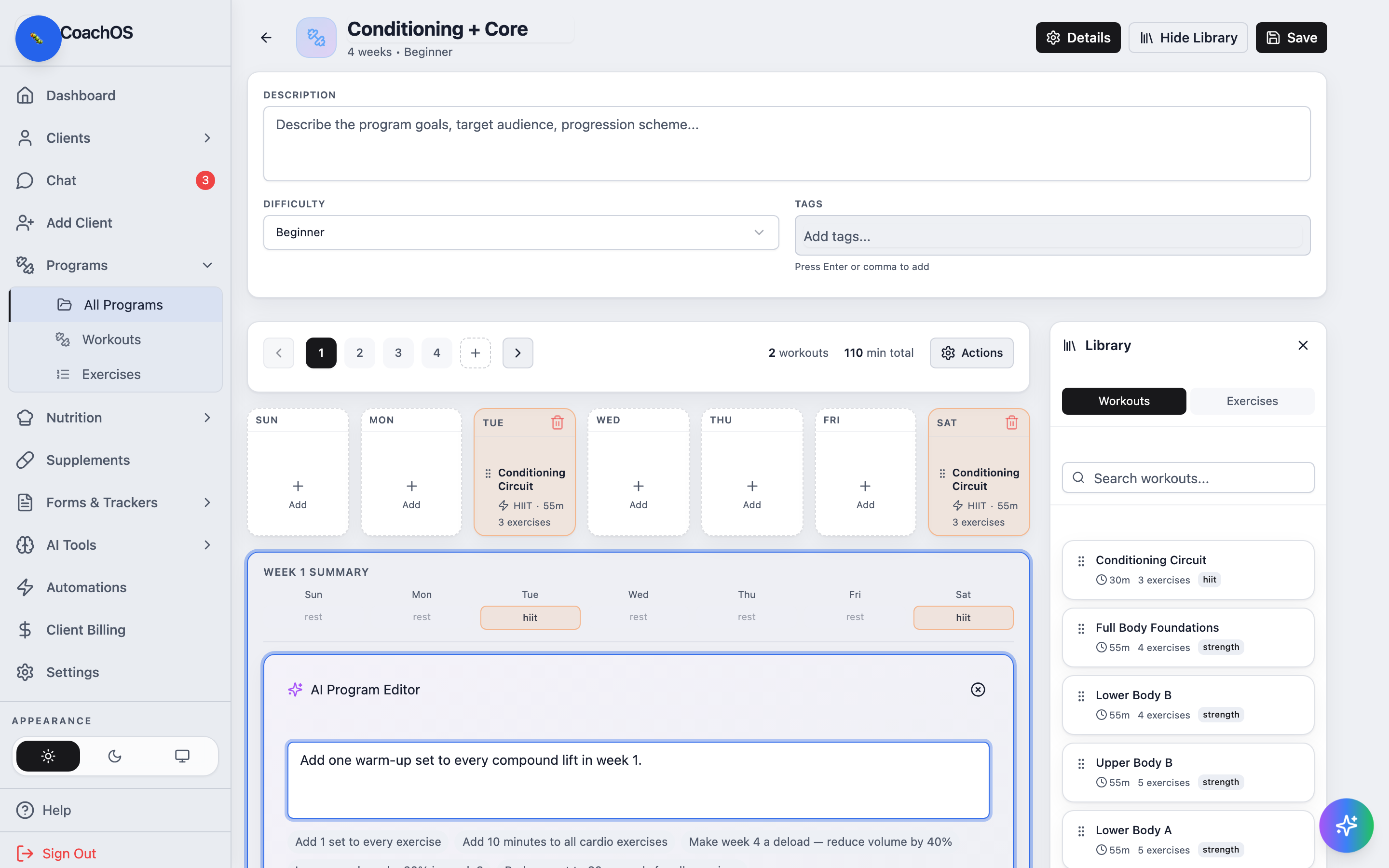
AI Edit makes bulk program changes from one sentence — "add a warm-up set to every compound lift" — and shows you a preview of exactly what would change before anything is applied. Requires a Pro or Unlimited plan.
1. Open the program
On Programs → All Programs, open a program's ⋮ menu and choose Edit to load it in the editor.
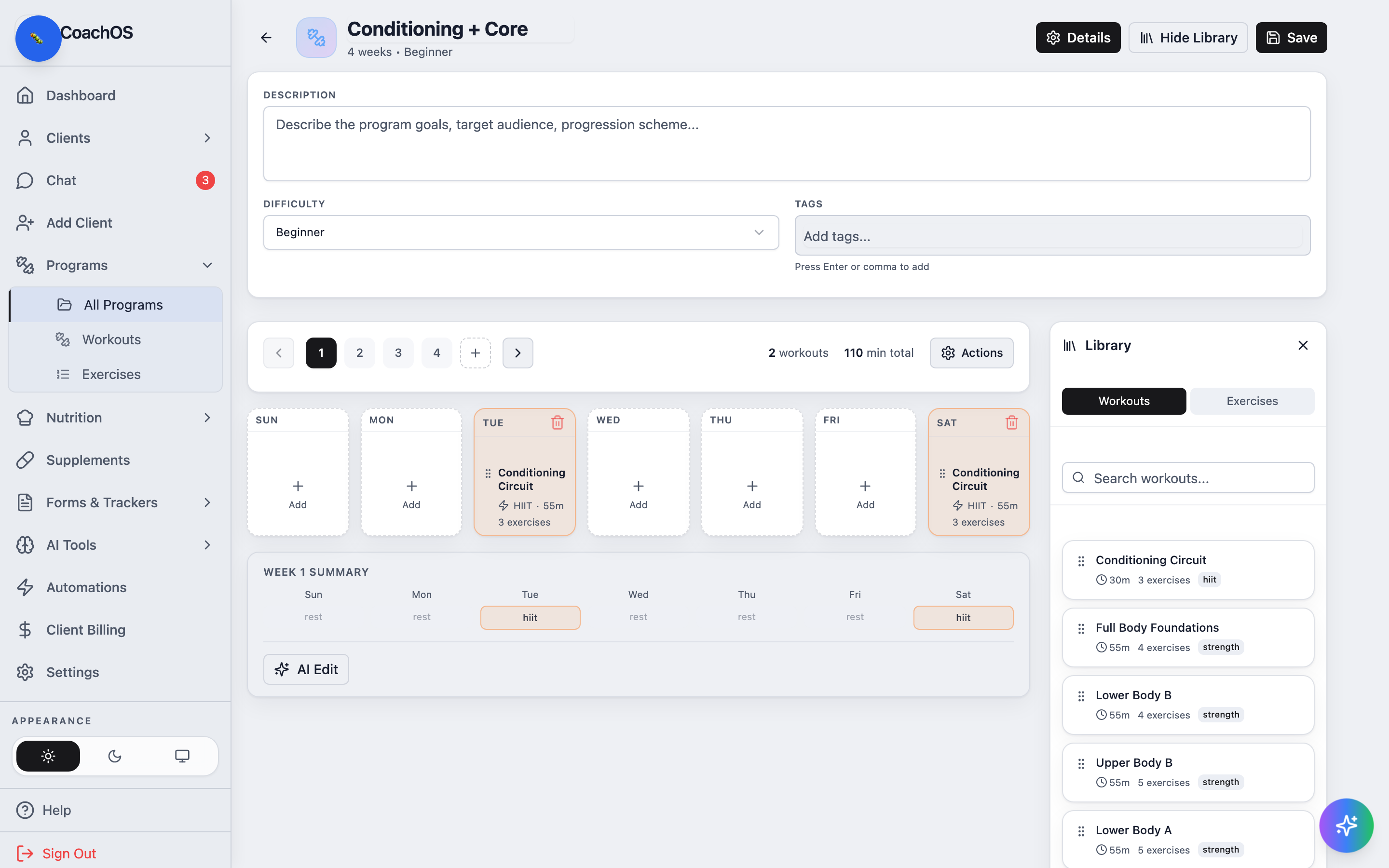
2. Open AI Edit
Click AI Edit. The panel accepts free-form instructions and can ask a clarifying question when your request is ambiguous.
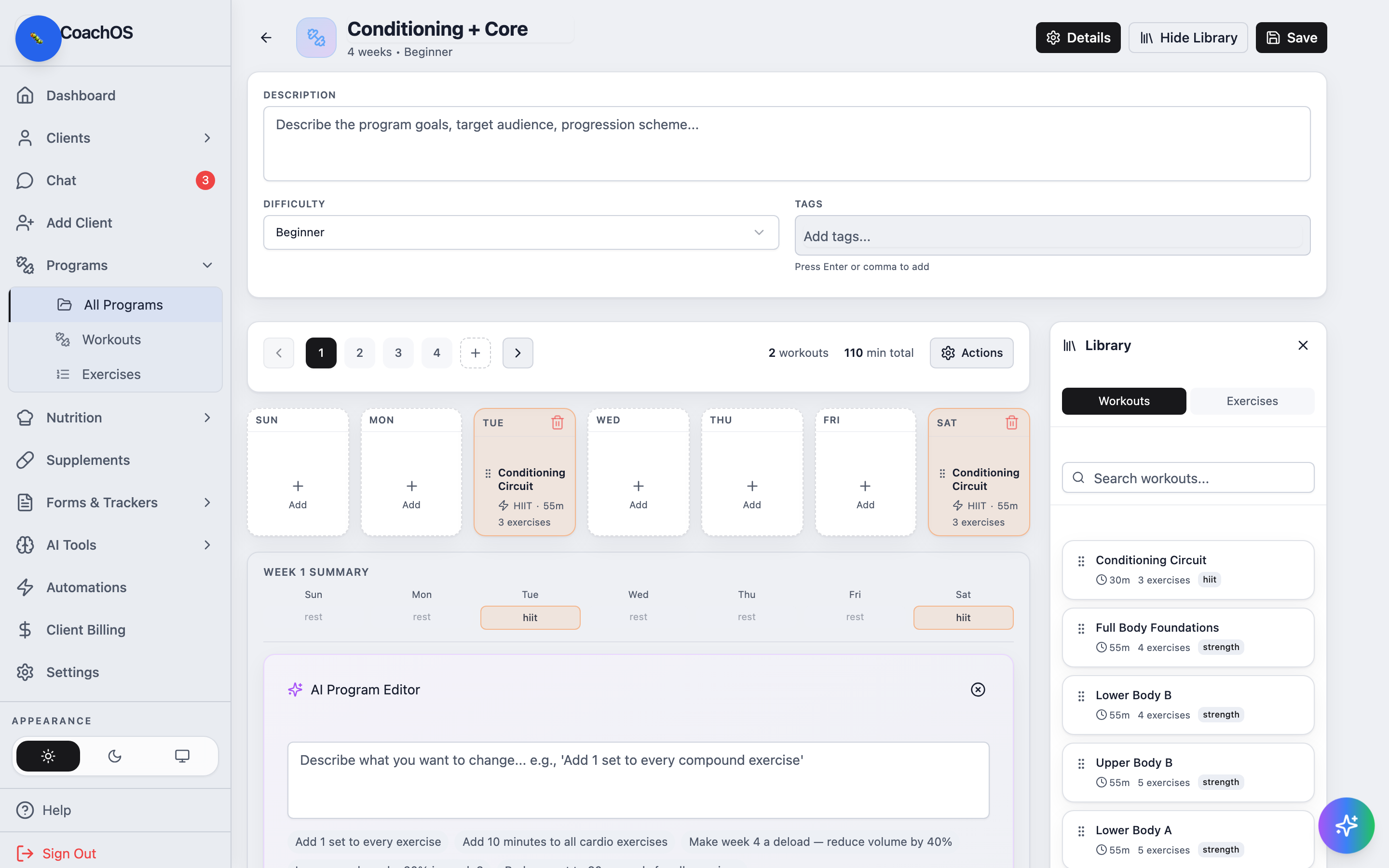
3. Describe the change
Type what you want changed and request the preview. The panel shows the proposed edits as a diff — nothing touches the program until you confirm with Apply AI Changes?. Editing a client's assigned copy works the same way from their profile, without affecting your library template.