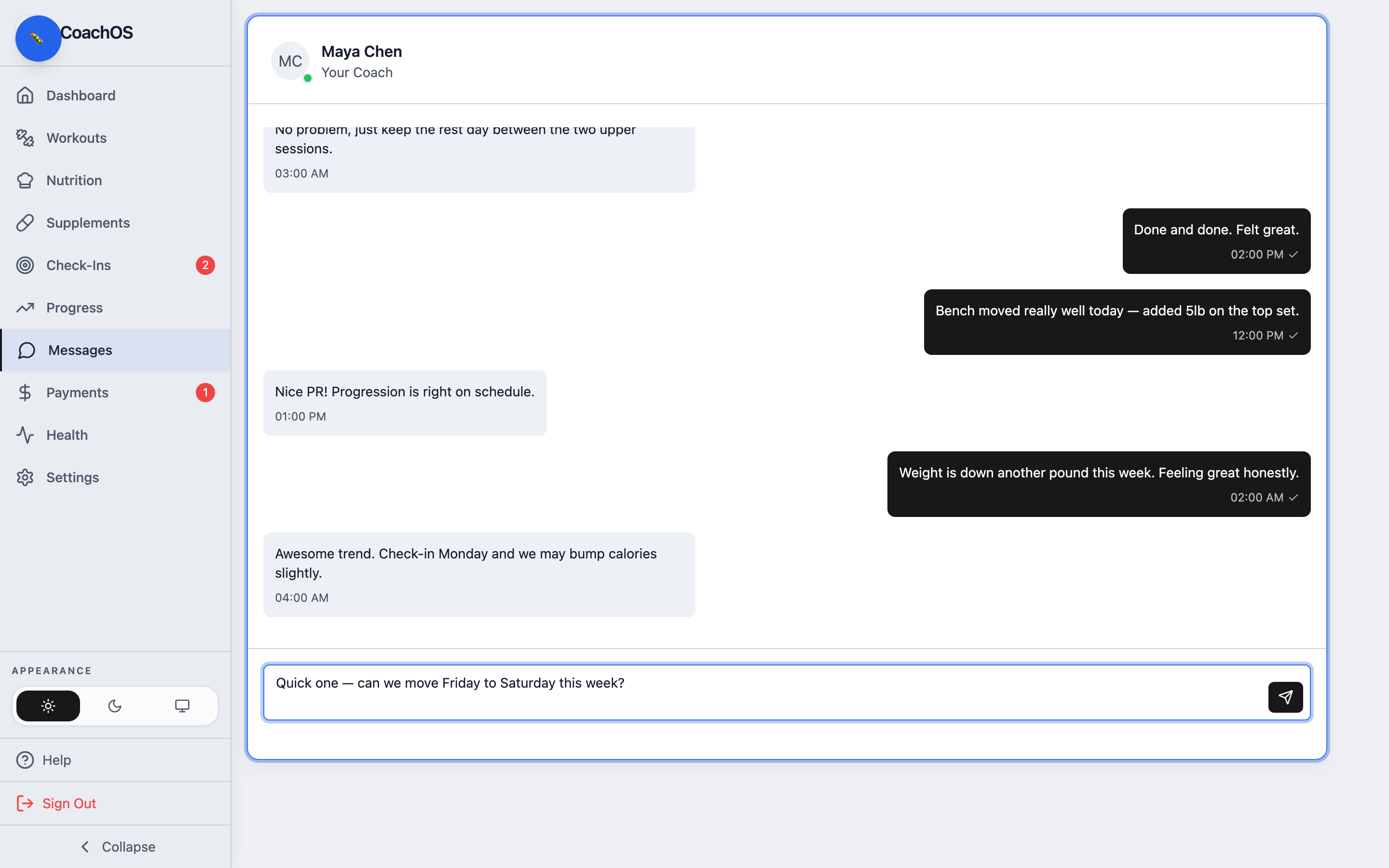
Messages is a direct line to your coach — no separate app, and everything stays in one thread.
1. Open Messages
Tap Messages in the sidebar to open your conversation.
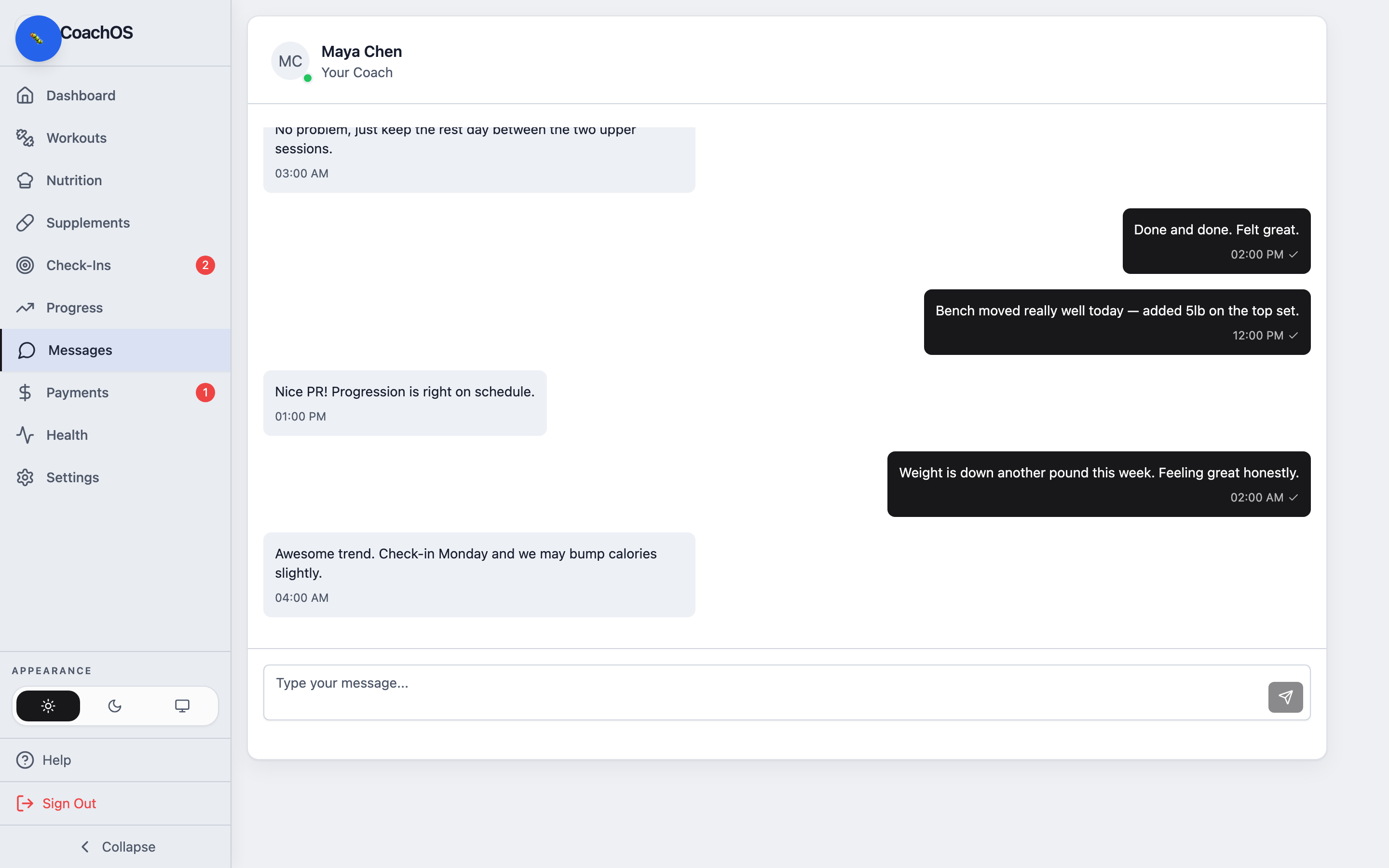
2. Send a message
Type in the box at the bottom and send. Your coach is notified, and you'll see their reply here — with read receipts so you know it landed.