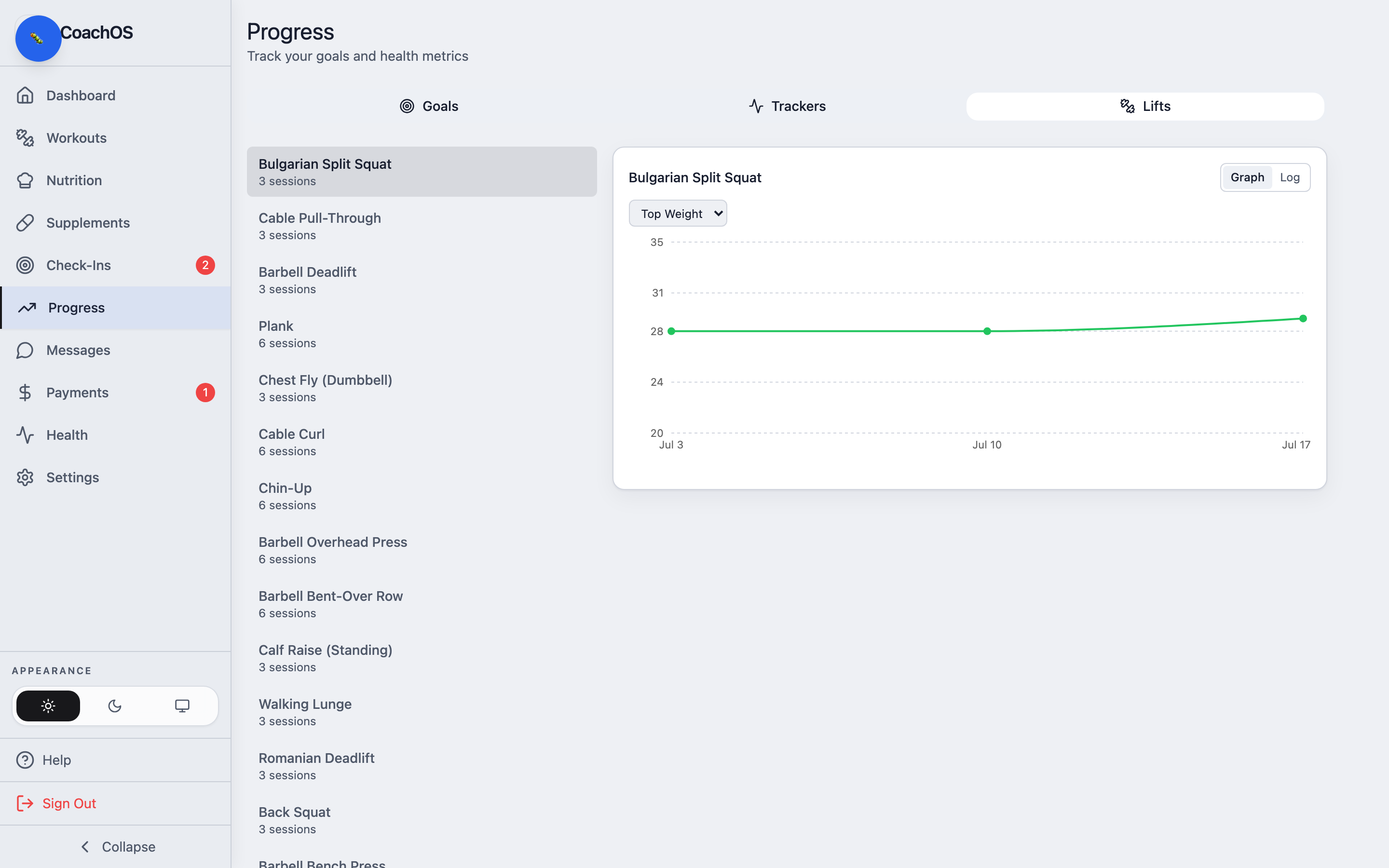
The Progress tab is your view of the long game — goals your coach set, metrics you're tracking, and how your lifts are trending.
Goals
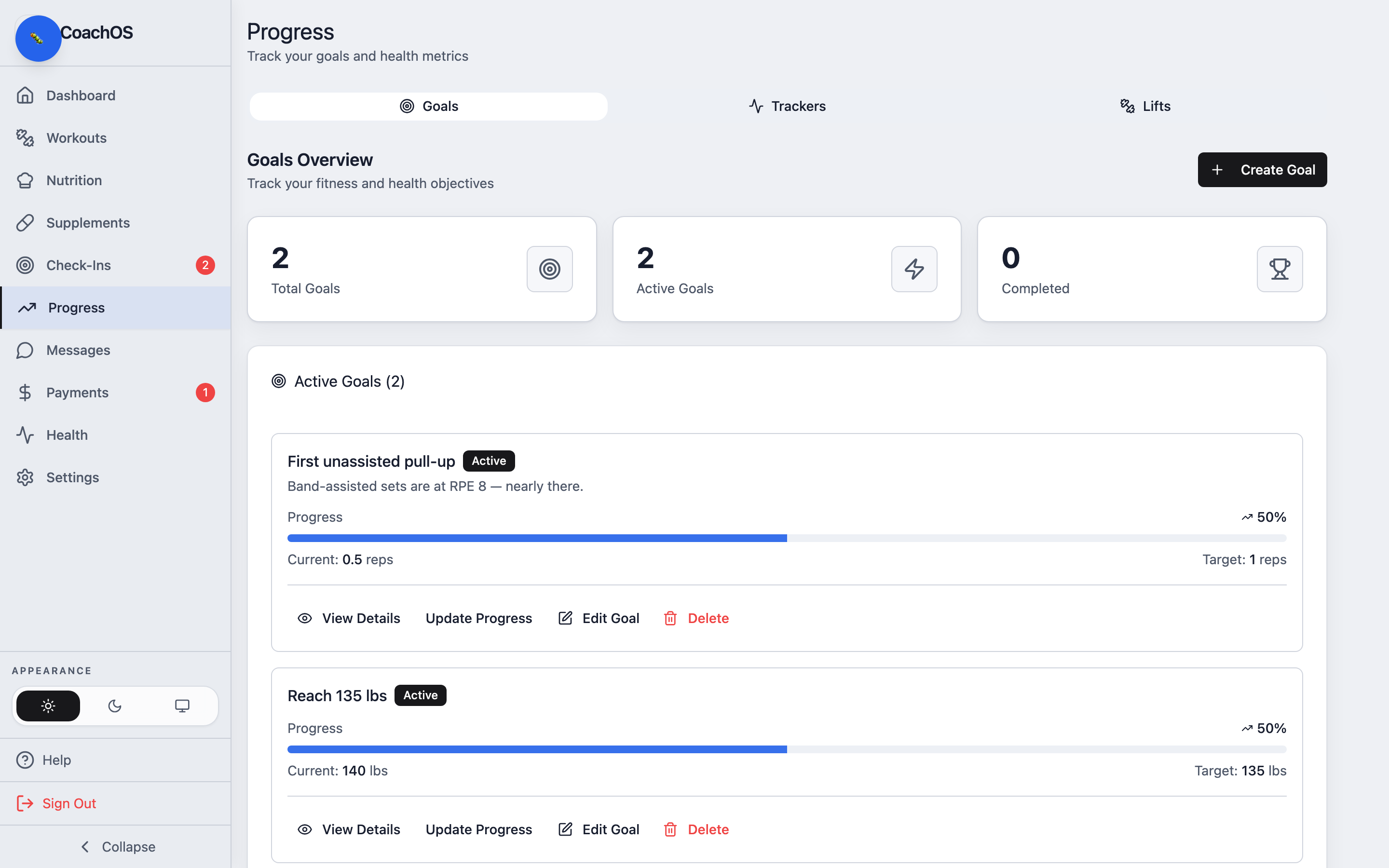
The Goals tab shows each goal with its target and a progress bar, so you always know how close you are.
Trackers
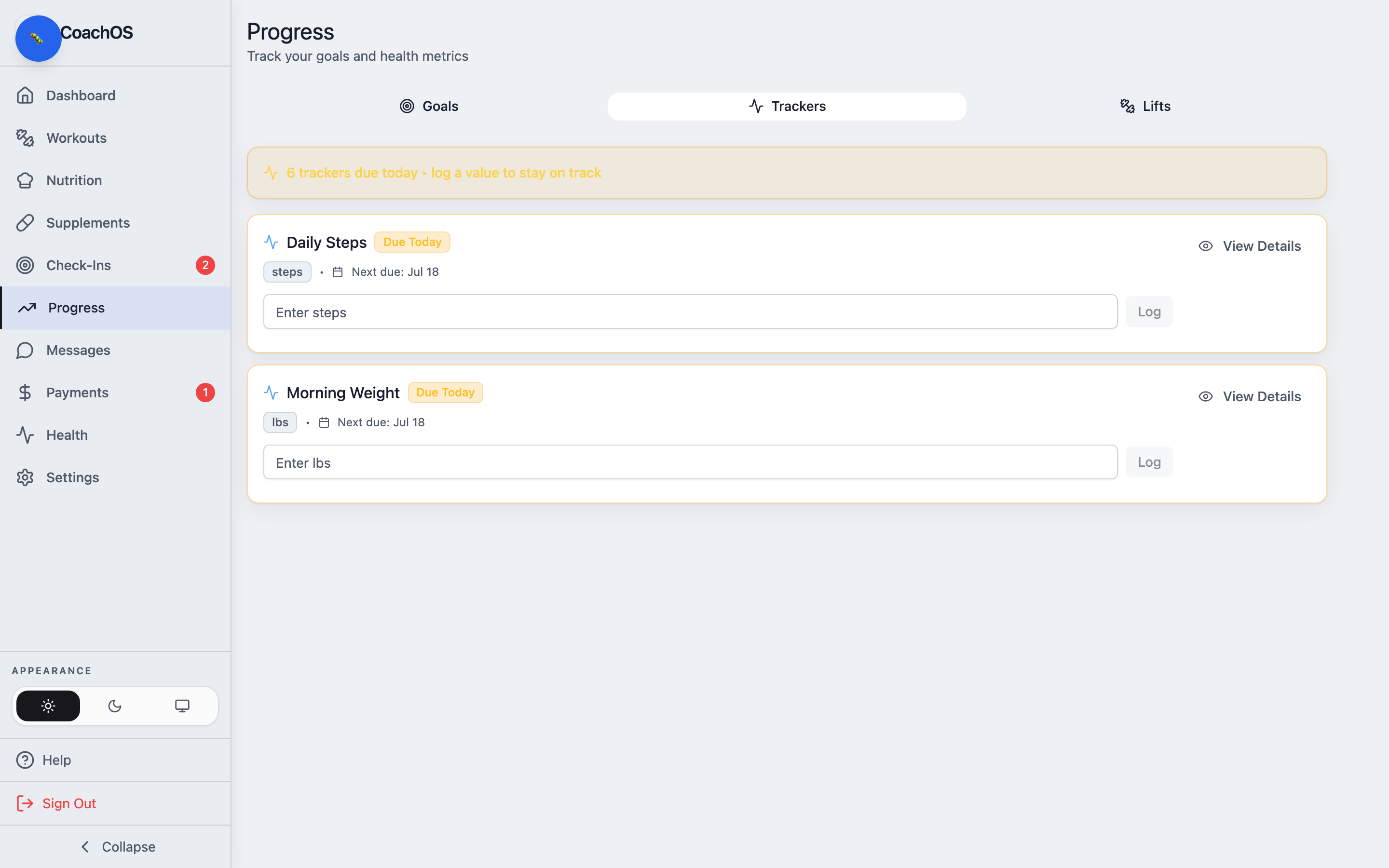
The Trackers tab charts the metrics you log — weight, sleep, steps, and anything else your coach assigned. Tap one to see its full history.
Lifts
The Lifts tab turns your logged workouts into strength charts, so you can watch a lift climb over the weeks.